Book a FREE 15-minute consultation with an expert – Book Now

Facebook Page Unpublished by Meta? Here's How to Appeal It
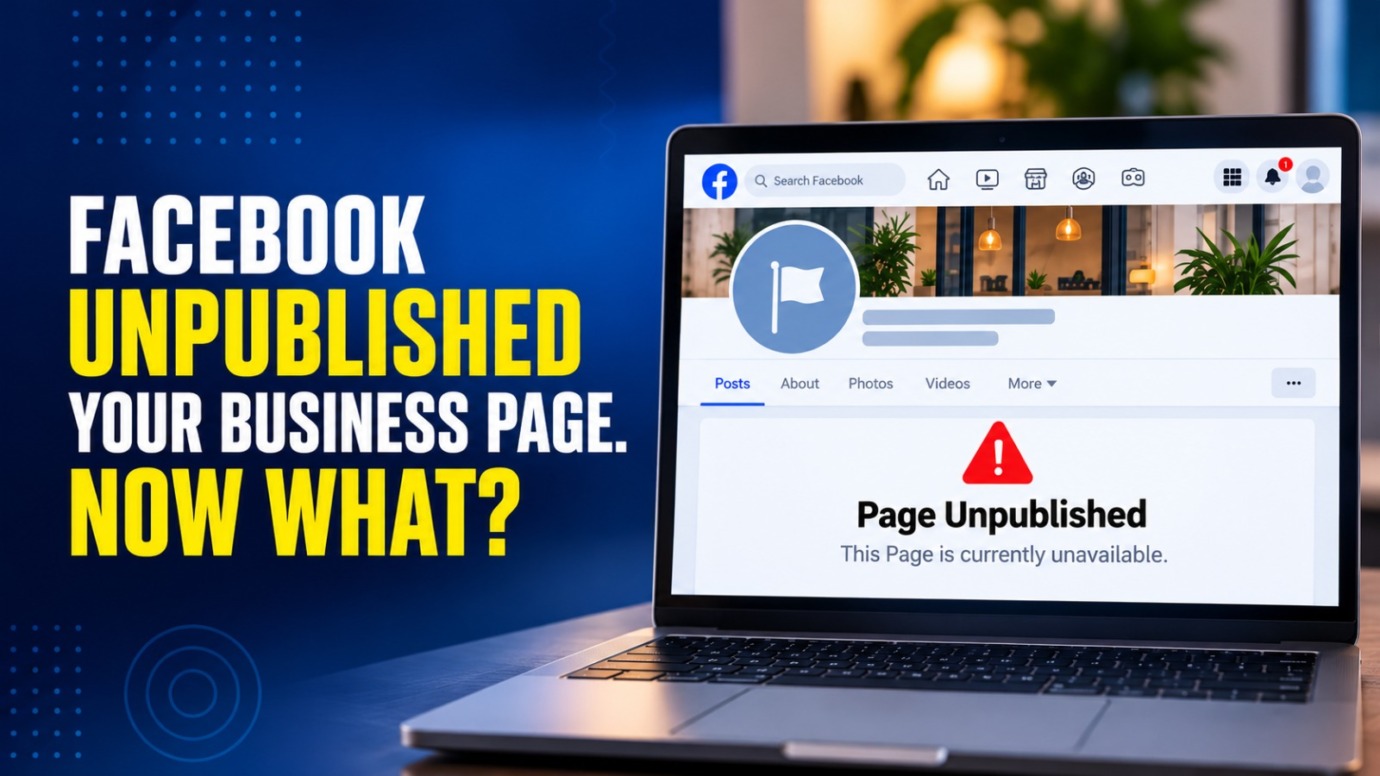
Imagine logging into Facebook, and your business Page is gone. No warning post, no email you noticed, just a message saying the Page is unpublished or that it “isn’t available right now.” For a business owner or content creator, that Page is often the main way customers find you, so the panic is immediate.
Our team regularly helps business owners and creators respond to Facebook Page enforcement actions and push for reinstatement, and the process is more structured than it first appears. This guide walks you through why Meta unpublishes Pages, how to tell what actually happened to yours, and the steps to appeal it properly.
What Does It Mean When Facebook Unpublishes a Page?
“Unpublished” is a specific status, not a synonym for deleted. When Meta unpublishes a Page, it disappears from public view and from search, but the underlying data, posts, followers, and admin roles are usually still intact behind the scenes.
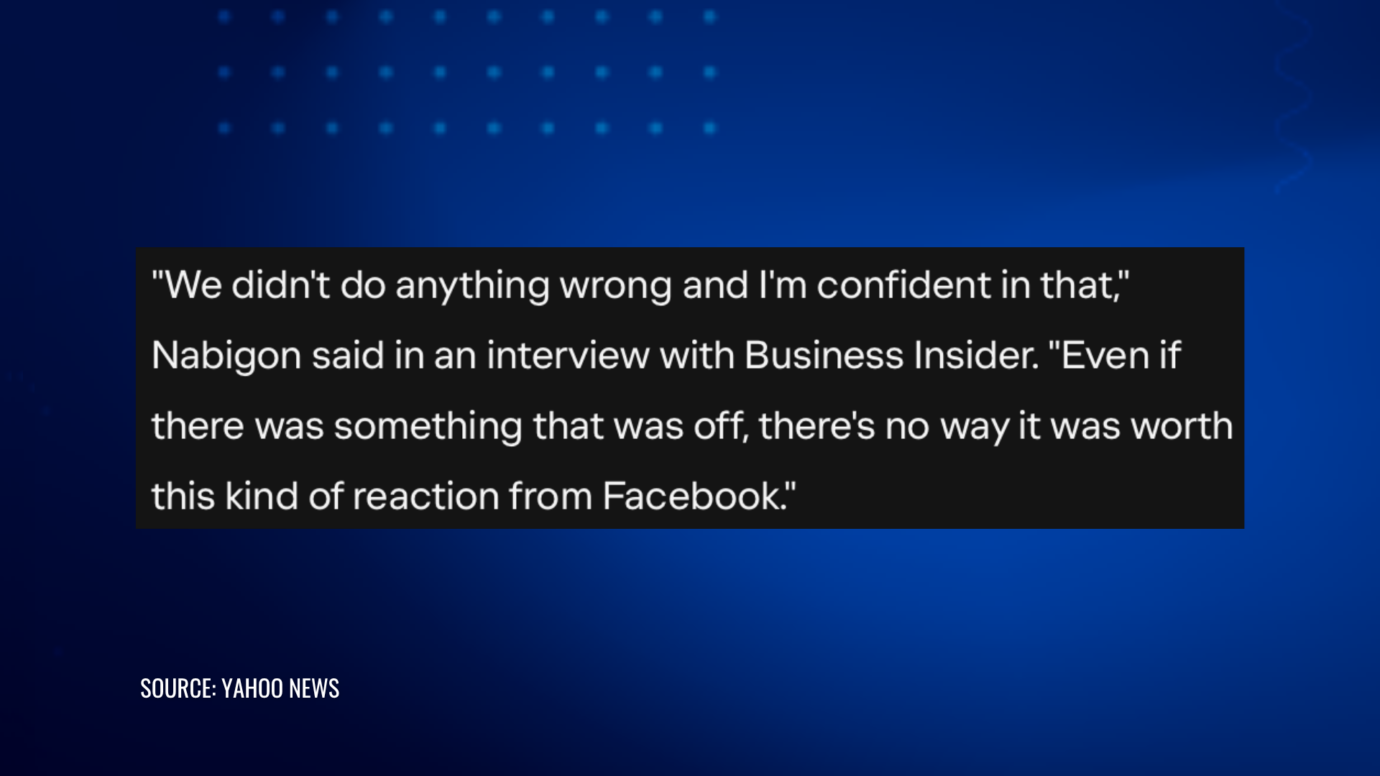
Meta has described unpublishing as an intermediate step rather than a final one. In its own explanation of Community Standards enforcement, the company noted:
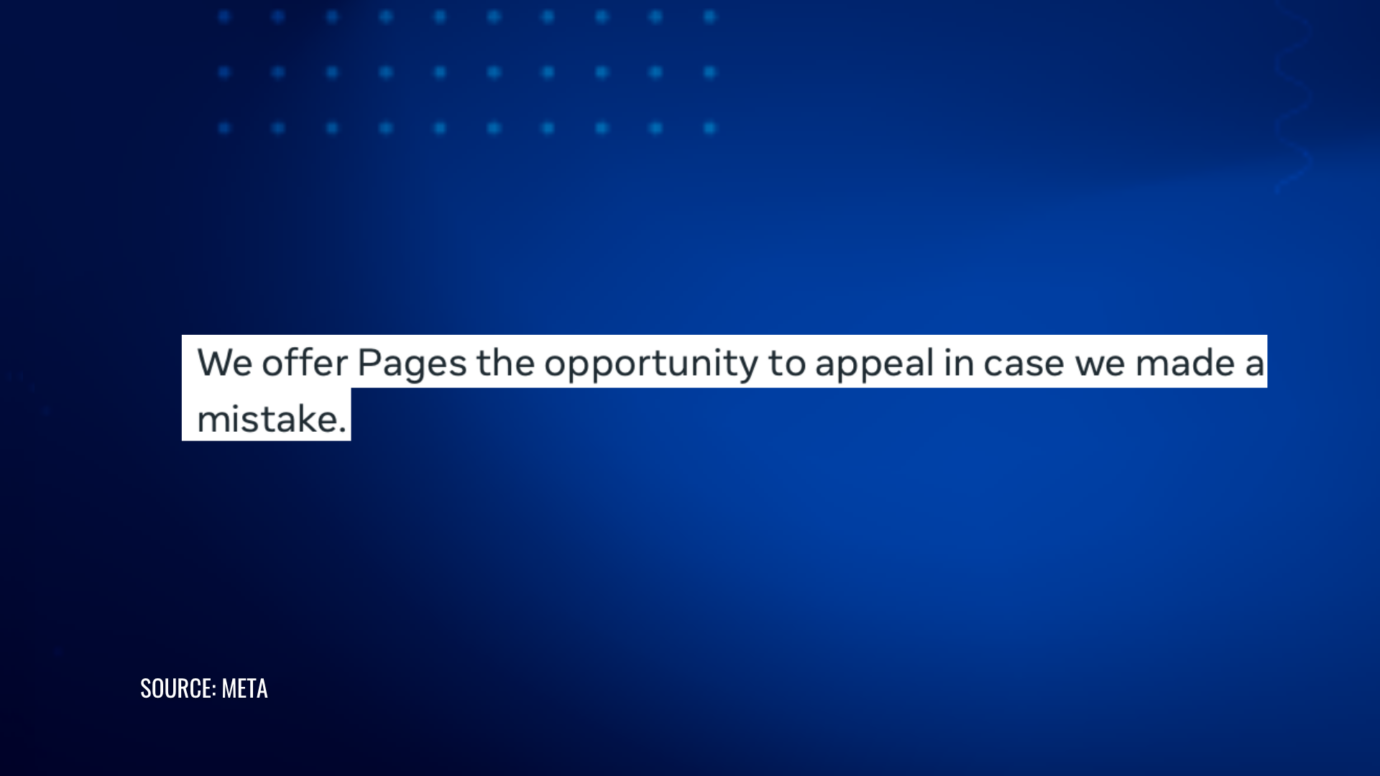
According to that same explanation, unpublishing is generally the first consequence for a Page that has crossed an enforcement threshold. If the Page’s admins don’t appeal, or the appeal doesn’t succeed, Meta can move to permanently remove the Page afterward. That sequence is why responding quickly matters more than most people assume.
Why Do Facebook Pages Get Unpublished?
Meta doesn’t publish an exact list of triggers, and it deliberately doesn’t disclose the specific number of strikes that leads to a Page being unpublished, stating that sharing the threshold would let people “game the system.” That said, a few categories account for most of what business owners and creators actually run into.
Community Standards strikes. Both the Page and the specific admin who posted the violating content can receive a strike. Enough accumulated strikes, and the Page gets unpublished automatically, often without a human ever reviewing the individual post first.
Third-party intellectual property complaints. A trademark or copyright report from another business or rights holder can lead to content removal or, if it escalates, a Page-level restriction. This is a different track from a general Community Standards strike and often calls for a different kind of response.
Admin access problems. If the personal Facebook accounts of all admins get disabled, restricted, or removed from the Page, Meta may unpublish the Page rather than leave it unmanaged.
Suspicious or compromised activity. Unusual login patterns, a hacked admin account, or activity that looks automated can trigger an automatic restriction on the Page tied to that activity.
Advertising and Business Manager restrictions. A Page connected to a Business Manager or ad account that gets flagged for policy violations can be affected even when the Page’s own content was never the issue.
It’s also worth knowing that Meta’s broader approach to content moderation has shifted. In January 2025, Meta scaled back its third-party fact-checking program in the U.S. in favor of a crowd-sourced Community Notes model and loosened enforcement specifically around immigration and gender identity discussions, according to reporting from Social Media Today.
That shift mostly affects how individual posts on contested topics get treated. Page-level unpublishing for spam, impersonation, IP complaints, or admin issues still runs through the enforcement and appeal channels described below.
How Do You Know Your Page Was Actually Unpublished?
Before appealing anything, confirm what actually happened. A Page can appear to be “down” for reasons that have nothing to do with enforcement, including a temporary outage, a domain or link issue, or a setting an admin changed by accident.
Check the following:
- Log into Meta Business Suite and look at Business Support Home (the feature that replaced what was known as the Account Quality page). It lists active restrictions by asset, including which Page, ad account, or Business Manager profile is affected and the policy category cited.
- Look for a notification in your Page’s Meta Business Suite inbox or the personal account of an admin. Enforcement actions almost always come with some form of notice, even if it’s easy to miss.
- Check whether the Page is unpublished specifically, versus restricted from advertising, versus a broader Business Manager-level restriction. These require different appeal paths.
If Business Support Home shows no restriction at all and the Page still won’t load, the issue may be technical rather than an enforcement action, and a different kind of troubleshooting applies.
PROTECT YOUR BRAND. GROW YOUR BUSINESS.
Rated 4.9 by 100+ clients on Google Reviews

Top 20
Trademark lawyer in the US*
Top 3
Service providers for Amazon sellers*
96%
Success rate for TM registrations
8000+
Clients Worldwide
How to Appeal an Unpublished Facebook Page, Step by Step
- Don’t create a replacement Page. It’s tempting to start fresh immediately, but a new Page won’t have your following, review history, or verification status. Meta’s strike system is also built around discouraging exactly this kind of workaround, so a duplicate Page doesn’t reliably sidestep the underlying issue. Focus on the appeal first.
- Go to Business Support Home in Meta Business Suite. This is where current restrictions on your Pages, ad accounts, and Business Manager are listed, along with an option to request a review for each one.
- Submit the review request with specific, factual language. State plainly which policy the notice cited and why you believe the content or the Page did not violate it. Vague pushback (“this is unfair”) gets less traction than a direct response to the specific standard Meta cited.
- Use the Meta Business Help Center for anything not resolved through Business Support Home. Larger or verified businesses sometimes have access to a support chat. Save your case ID from any interaction and keep a copy of the full exchange.
- Gather supporting documentation before you need it. Business registration paperwork, proof of trademark ownership, licensing agreements, or records showing who manages the Page can all strengthen an appeal, particularly for identity or IP-related restrictions.
- Follow up, but don’t spam the review queue. Appeals can take anywhere from a day to several weeks depending on volume and the type of violation. Repeated duplicate submissions can slow things down rather than speed them up.
A Facebook Account & Content Reinstatement team can handle this process directly for businesses that want the appeal drafted and managed by someone who does this regularly, rather than guessing at which policy language will actually move a case forward.
What If the Unpublishing Is Tied to a Trademark or Copyright Claim?
A Page unpublished because of a third-party intellectual property complaint is a different situation from a general Community Standards strike, and it usually calls for a more targeted response.
If someone filed a false or overreaching trademark or copyright claim against your Page, the appeal generally needs to address the underlying IP dispute directly, not just ask Meta to “please look again.” That can mean showing your own trademark registration, a license, or evidence that the claim doesn’t actually cover your use.
This is where IP enforcement and platform disputes tend to overlap. If a competitor or bad-faith filer is using IP complaints as a way to knock your Page offline, a good IP enforcement team can help address the underlying claim, not just the platform symptom. The same dynamic shows up on Instagram, and our Instagram Account & Content Reinstatement guide covers the parallel process there for businesses running both platforms.
What Happens If Meta Denies the Appeal?
A denied appeal isn’t necessarily the end of the road, but the options narrow.
If you have new information that wasn’t part of the original submission, such as documentation you didn’t include the first time, it’s often worth submitting a fresh review request built around that new evidence rather than repeating the same appeal.
For a small number of account-level decisions, Meta’s independent Oversight Board can review a case, and it has taken up account-level bans in the past. However, the Board accepts only a limited number of cases, doesn’t function as a general appeals line for every unpublished Page, and its decisions can take months. It’s worth knowing this option exists, but it isn’t a realistic first response for most business Pages.
If the underlying violation is accurate, such as a genuine, repeated Community Standards issue, the more durable fix is usually addressing the pattern of content or account management that caused it, rather than continuing to appeal the same outcome.
How to Protect a Facebook Page From Being Unpublished Again
A Page that has already gone through this once is worth a closer look at its setup, not just a sigh of relief once it’s back.
- Make sure more than one admin has full access, and that no single admin’s personal account being restricted can take the whole Page down with it.
- Review your Page’s About section, contact details, and any linked Business Manager to confirm everything matches your actual business.
- Register trademarks for your brand name and logo where it matters, so a legitimate claim is easy to prove and an illegitimate one is easy to fight.
- Check Business Support Home periodically instead of waiting for a problem to surface on its own.
- Be cautious about who has access to post on the Page, since one admin’s mistake can generate a strike against the entire Page.
Get Help With an Unpublished Facebook Page
An unpublished Page can feel like Meta has already made up its mind, but the appeal process exists precisely because these calls aren’t always right the first time. What actually moves a case forward is a specific, well-documented response to the exact policy Meta cited, not a general protest that the decision feels unfair.
If your business or creator Page has been unpublished and you want help building an appeal that addresses Meta’s stated reason directly, especially where a trademark or copyright dispute is involved, contact our team about getting your Facebook Page reviewed and back online.
Legal Disclaimer: The articles published on our platform are for informational purposes only and do not constitute legal advice in any form. They are not intended to be a substitute for professional legal counsel. For any legal matters, it is essential to consult with us or a qualified attorney who can provide advice tailored to your specific situation. Reliance on any information provided in these articles is solely at your own risk.
Frequently Asked Questions
How long does a Facebook Page unpublish appeal take?
There’s no fixed timeframe. Simple cases can resolve within a few days, while others, especially those involving IP disputes or verification, can take several weeks. Meta doesn’t publish a guaranteed review window.
Can I still access my Page's data while it's unpublished?
Often, yes, at least for a period. Admins can typically still log in and see the Page’s content and settings even though the public can’t view it, though this can vary depending on the reason for the restriction.
Will creating a new Page work faster than appealing?
Usually not, and it can work against you. A new Page starts with none of your existing followers, reviews, or verification, and Meta’s systems are built to flag attempts to evade an enforcement action through a duplicate Page.
Does an unpublished Page mean my Page will definitely be deleted?
No. Unpublishing is generally a first step that comes with a chance to appeal. Permanent removal typically follows only if the appeal isn’t submitted or doesn’t succeed.
What's the difference between a Page being unpublished and an ad account being restricted?
They’re related but separate. A Page restriction affects whether your Page is visible at all. An ad account restriction affects your ability to run ads, even if the Page itself is still live. Business Support Home shows both, but they often require separate review requests.
Read the latest from Cabilly & Co.
 Oct 28, 2026
Amazon Brand Registry – Discover for Free if You’re Eligible
Increase Your Chance of Getting a
Trademark to 96%


STAY UPDATED
Subscribe to Our Newsletter
Sign up to receive valuable information on E-Commerce and intellectual property
Have a legal question?