Book a FREE 15-minute consultation with an expert – Book Now

Is Your Website ADA Compliant? What Every E-Commerce Store Owner Needs to Know

You might think ADA lawsuits are something big corporations deal with. They’re not. Small e-commerce stores are getting hit with them constantly, and most owners have no idea until a lawsuit arrives via process server or certified mail.
Here’s what’s going on, and what you should do about it.
The Basic Legal Situation
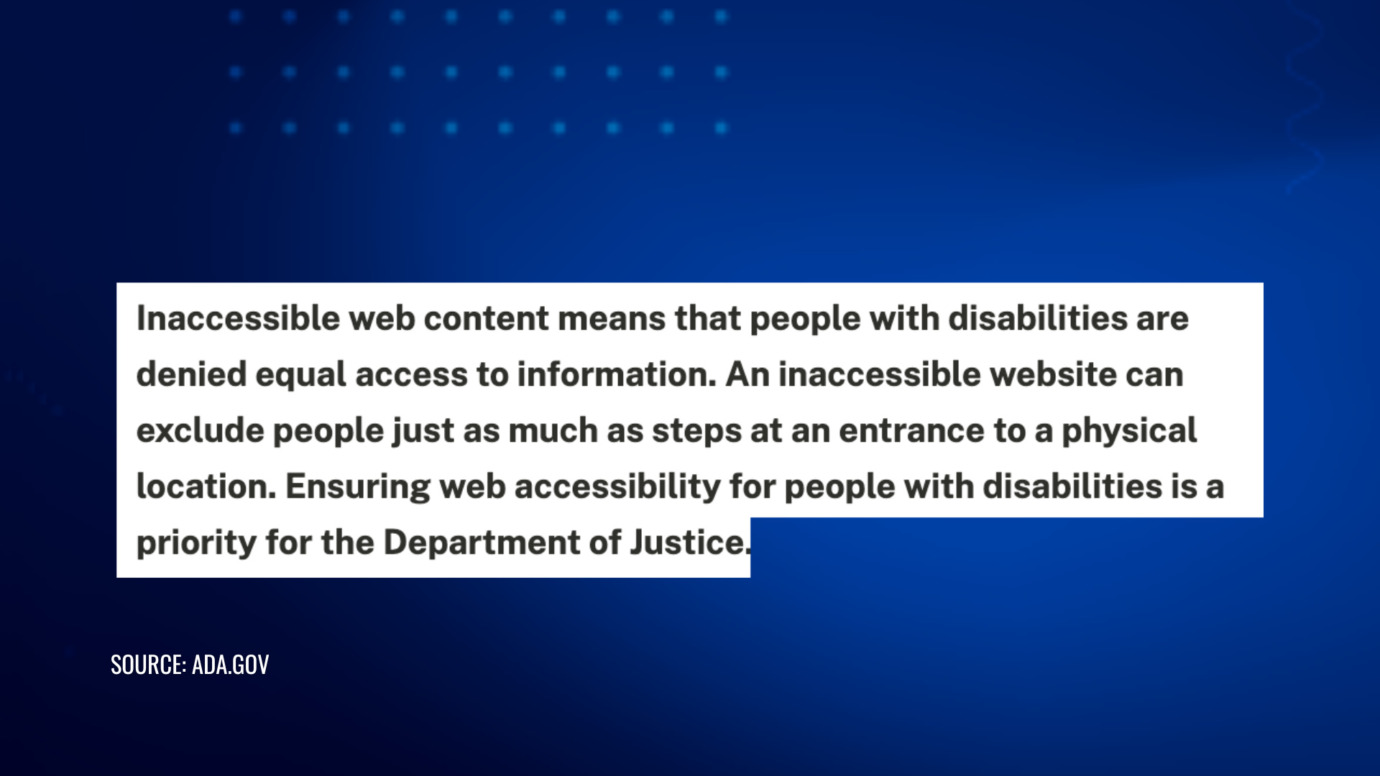
The Americans with Disabilities Act (ADA) isn’t just about wheelchair ramps and parking spaces. It also covers websites. Under federal law, if your site isn’t accessible to blind or visually impaired users, you can be sued.
The U.S. Department of Justice (DOJ) first confirmed this interpretation in the early 2000s, and courts across the US have backed it up consistently ever since. It doesn’t matter where your business is registered or where you live. If you’re selling to customers in the US, this applies to you.
What If You Sell to New York Customers?
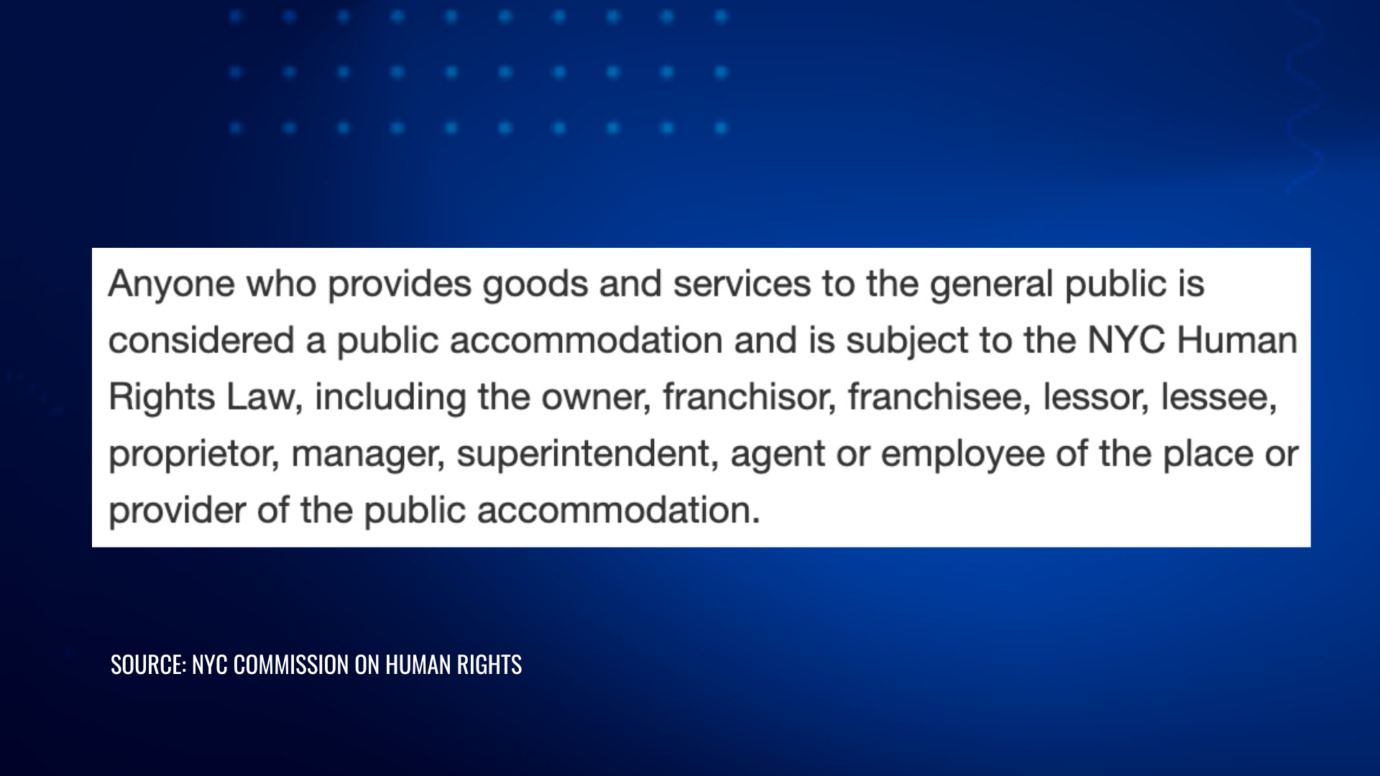
If you sell to customers in New York specifically, the rules are even stricter. New York has its own state and city laws on top of the federal ones, and they come with bigger penalties, including fines per violation and in some cases punitive damages. New York City’s law in particular is known for being very favorable to plaintiffs.
What Does “Accessible” Actually Mean?
There’s a set of standards called WCAG 2.1 (Web Content Accessibility Guidelines) that courts and regulators use as the benchmark. The basic idea is that your website needs to work for someone using a screen reader, which is software that reads the page out loud for blind users.
The Most Common Problems That Show Up in Lawsuits
- Images with no alt-text (so screen readers have nothing to read)
- Buttons and form fields with no labels
- Checkout flows that don’t work without a mouse
- Product info that’s only shown as an image, not readable text
- Broken links
A Word on Accessibility Overlay Plugins
There are plug-in tools called “accessibility overlays” that promise to fix all of this with one line of code. They don’t work well enough. The DOJ has flagged at least one of the major ones, and some have been mentioned by name in lawsuits. Don’t rely on them.
Why Small Stores Are Getting Hit
There are law firms and individual plaintiffs who make a business out of this. They run automated scans on e-commerce websites, find accessibility problems, and file complaints in bulk. The lawsuits tend to follow a near-identical template. They don’t care if you’re a huge brand or a one-person Shopify store.
To file a valid complaint, plaintiffs must allege that they actually attempted to use the site and were unable to complete a specific action, such as reading a product description or checking out. Real complaints include specific purchase attempts. But because automated scanning makes it easy to identify violations at scale, the bar to filing is low.
Real examples of defendants include a small mushroom coffee brand in Wyoming, a wallet company in Pennsylvania, and a jewelry LLC in Delaware. These aren’t corporations with legal teams on staff.
Most cases settle. But settling still costs money (legal fees, time, stress), and if you don’t actually fix the accessibility issues afterward, you can get sued again immediately.
The Hidden Second Risk: Treble Damages in New York
There’s also a second layer of risk specific to New York. A law called General Business Law Section 349 says that deceiving consumers in commerce is illegal. Some plaintiffs argue that a blind person who can’t read your product descriptions or compare prices is being deceived. If that argument works, it can triple the damages.
What You Should Actually Do
- Get a real accessibility audit of your site (not an overlay widget, actual screen reader testing)
- Make sure your checkout, product pages, forms, and navigation all work without a mouse
- If you’re hiring developers or agencies, put accessibility requirements in the contract
- Treat this like any other compliance issue: something you build in from the start, not patch later
Already Got a Lawsuit?
Move fast. These cases develop quickly, and what you do in the first few weeks matters a lot for how it ends and what it costs. Getting a lawyer involved early keeps your options open and usually leads to a better outcome.
Cabilly & Co. works with e-commerce businesses facing ADA claims. If you’ve been served, or if you’re not sure whether your site is exposed, we’re here to help.
Contact Us Today
PROTECT YOUR BRAND. GROW YOUR BUSINESS.
Rated 4.9 by 80+ clients on Google Reviews

Top 20
Trademark lawyer in the US*
Top 3
Service providers for Amazon sellers*
96%
Success rate for TM registrations
8000+
Clients Worldwide
Legal Disclaimer: The articles published on our platform are for informational purposes only and do not constitute legal advice in any form. They are not intended to be a substitute for professional legal counsel. For any legal matters, it is essential to consult with us or a qualified attorney who can provide advice tailored to your specific situation. Reliance on any information provided in these articles is solely at your own risk.
Read the latest from Cabilly & Co.
 Oct 12, 2026

Amazon Brand Registry – Discover for Free if You’re Eligible
Increase Your Chance of Getting a
Trademark to 96%


STAY UPDATED
Subscribe to Our Newsletter
Sign up to receive valuable information on E-Commerce and intellectual property
Have a legal question?