Book a FREE 15-minute consultation with an expert – Book Now

Facebook Ad Account Disabled? Here's the Actual Appeal Path
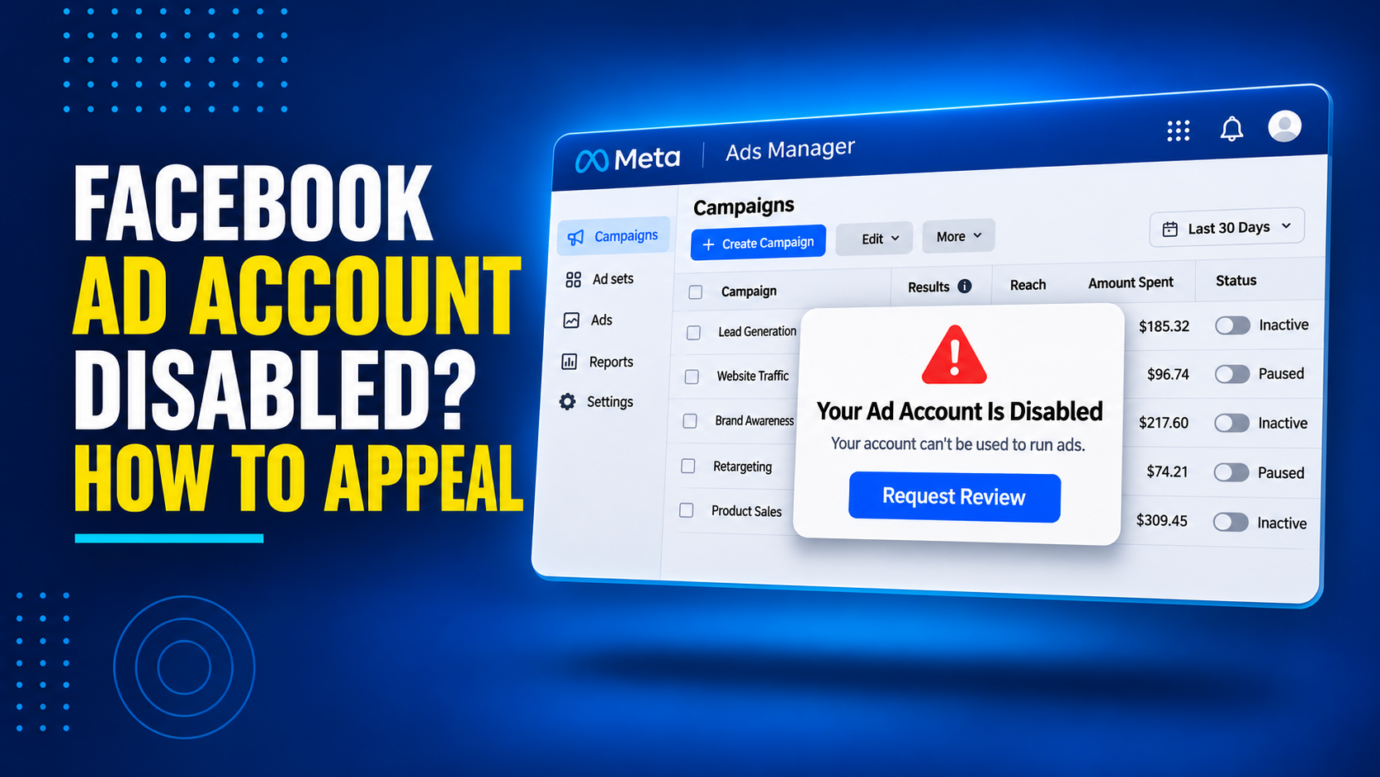
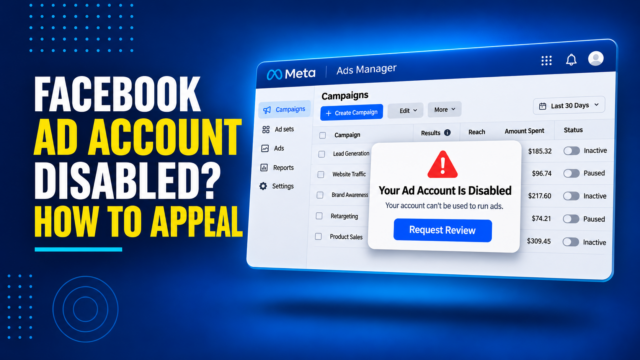
Picture this, you open Ads Manager and every campaign is paused. A banner says the account “can’t be used to run ads.” No specific reason, no phone number, just a link that may or may not take you anywhere useful.
Search results for this problem are full of “24-hour recovery” guides and services promising a guaranteed unban. Our team regularly helps business owners and creators work through Meta ad account restrictions, and the honest version of this process is narrower and slower than those pitches suggest, but it is also more workable than it first appears once you know which screen to use and what to say in it.
This guide walks through what a disabled ad account actually means, why Meta disables them, where the real appeal path lives inside Meta’s tools, and when the situation has moved past what a support ticket can fix.
What Does “Ad Account Disabled” Actually Mean?
A disabled ad account is a specific status, separate from a few things people often confuse it with.
It is not the same as your Facebook Page being unpublished. A Page restriction affects whether the public can see your Page. An ad account restriction affects only your ability to spend money running ads, even while the Page underneath it stays live.
It is also not the same as your personal Facebook account being disabled, though the two are often connected. Many small advertisers run their ad account through a personal profile rather than a full Business Manager setup, so a strike against the person can freeze the ad account tied to them.
In most cases, disabling an ad account does not erase your account history, past campaign data, or Business Manager setup. It stops new spend and new ad delivery while Meta treats the account as under an active restriction. Whether it converts into a permanent shutdown generally depends on what caused it and whether an appeal is filed.
Why Do Facebook Ad Accounts Get Disabled?
Meta does not publish a single master list, but the cases advertisers actually run into tend to fall into a handful of categories.
Ad policy violations. This covers prohibited or restricted content, including health and financial claims that need substantiation, ads that reference personal attributes, and creative that Meta’s automated review flags as misleading.
Payment problems. A declined card, a disputed charge treated as a fraud signal, or a payment method that no longer matches the account’s billing profile can trigger a restriction even when nothing about the ad content was the issue.
Suspicious activity. Logins from unusual locations, use of a VPN or proxy, or activity patterns that resemble bot behavior can get an account automatically restricted while Meta verifies who is actually using it.
Identity and business verification gaps. Meta increasingly asks advertisers to verify who owns the ad account and the business behind it. An unresolved verification request, or documents that do not match the account name, can freeze spending.
Circumventing a prior enforcement action. Opening a new ad account after an old one was disabled, especially using the same payment details or business information, tends to get caught and treated as a more serious violation than the original one.
Third-party intellectual property complaints. A trademark or copyright report against specific ad creative, or against a Page or Instagram account linked to the ad account, can freeze advertising while Meta reviews the claim, independent of whether the claim is valid. Our Instagram Business Account Restricted From Advertising guide covers the parallel version of this on Instagram, which is worth reading if your ad accounts feed both platforms.
Where Do You Actually Go to Appeal It?
This is the part most generic advice gets vague about, so here is where it happens in practice.
- Open Meta Business Suite and find your account status dashboard. Depending on your account, this is labeled Account Quality, Business Support Home, or both. Meta has changed this interface more than once, so what you see may not match every screenshot floating around online. What matters is the destination: a page listing your business assets, ad accounts, Pages, and catalogs included, that shows whether each one is active, restricted, or disabled along with the policy Meta cited.
- Use the “Request Review” option tied to that specific restriction. Look for a review or appeal action attached directly to the flagged ad account, not the general Meta Help Center contact form. Submitting against the specific asset routes your appeal to the actual case file Meta has open on that account rather than into a generic support queue.
- If nothing shows a clean, specific path forward, use Meta Business Suite’s broader support and case-tracking area. This is useful when the issue does not show up cleanly as a single flagged asset, or when you need to follow up on a review that is already in progress.
- Write to the specific reason cited, not a general objection. State the policy or issue named in the notice, explain in plain terms why the account should not have been restricted or what has changed since, and reference the exact account and Business Manager ID. A message that only says the decision feels unfair rarely moves a case forward.
- Attach documentation where it applies. Business verification requests tend to move faster with clear registration paperwork. Payment issues tend to move faster once the underlying payment problem is actually resolved. Identity mismatches tend to move faster with documents that match the name on the account.
- Expect a wait, and avoid resubmitting the same appeal repeatedly. Meta does not publish a fixed review window, and it can range from a few days to several weeks depending on the type of restriction and current review volume. Filing duplicate appeals for the same case does not speed this up and can add confusion to the file.
PROTECT YOUR BRAND. GROW YOUR BUSINESS. Trademark lawyer in the US* Service providers for Amazon sellers* Success rate for TM registrations Clients Worldwide
Rated 4.9 by 100+ clients on Google Reviews

Top 20
Top 3
96%
8000+
Be cautious of services that promise guaranteed reinstatement for a fee. No legitimate provider, including a law firm, can guarantee a private platform will reverse its own enforcement decision. What a knowledgeable advocate can do is make sure the appeal is built around the specific policy at issue and supported by real documentation, which meaningfully improves the odds without promising an outcome.
Why Does the Appeal Process Feel Opaque?
If the process feels like a black box, that is not just your impression. Meta’s own Oversight Board, an independent body Meta created to review its enforcement decisions, published findings in June 2026 reporting from TechCrunch, describing “systemic human rights concerns” and a “lack of transparency and consistency” in how Meta disables accounts, including cases where people received no clear explanation of which rule was cited or what appeal options existed.
That same reporting noted that users paying for Meta Verified, which is marketed with “24/7 access to email or chat agent support,” often did not receive “meaningful assistance” once an account was disabled. The findings covered account enforcement broadly rather than ad accounts specifically, but they reflect the same enforcement system.
Separately, Meta has acknowledged its own error rate in enforcement actions. In a January 2025 announcement, the company stated that “one to two out of every 10” enforcement actions may have been mistakes, and it later reported cutting that error rate roughly in half in the United States over the following months. That is worth keeping in mind if your account was disabled for something you are confident you did not do: mistaken enforcement is common enough that Meta itself has quantified it, which is exactly why the appeal step matters even when the process feels unlikely to work.
What Happens If the Appeal Is Denied?
A denial is not necessarily final, but it does narrow the options.
If you have documentation or a correction you had not submitted the first time, a fresh review request built around that new information is usually worth filing. Repeating the identical appeal that already failed rarely produces a different result.
For most commercial ad account disputes, the Oversight Board is not a realistic next step. Its docket focuses on content moderation and broader account-level bans, it accepts a limited number of cases, and it is not built as a general appeals line for advertising restrictions.
If the underlying issue was accurate, meaning the account genuinely violated a policy, the more durable fix is usually addressing the account management or ad review practices that caused it, rather than continuing to appeal the same finding.
When Does This Need More Than a Support Ticket?
Most straightforward payment or verification issues resolve through the standard appeal path above. A few situations tend to call for outside help:
- The restriction stems from a trademark or copyright complaint you believe is false, overbroad, or filed in bad faith by a competitor.
- You have filed a reasonable appeal more than once and received the same denial without a specific explanation.
- The disabled account represents meaningful ad spend or revenue, making the cost of prolonged downtime higher than the cost of getting help.
- Business verification is stuck because of a legal name, entity structure, or ownership question that is not simply a data entry fix.
Our Facebook Account & Content Reinstatement team handles these appeals directly, including building the documentation and language for cases where a generic resubmission has already failed once.
How to Lower the Odds This Happens Again
- Spread account access across more than one admin, so a single flagged personal profile cannot take down the whole ad account.
- Keep payment methods current and resolve declined charges quickly rather than letting them sit.
- Complete business verification proactively instead of waiting for Meta to require it under a deadline.
- Check your account status dashboard in Meta Business Suite periodically rather than only after something breaks.
- Review ad creative against Meta’s advertising policies before launch, particularly around health, financial, and personal attribute claims, since these are common triggers even for advertisers acting in good faith.
If the restriction on your account sits at the Business Manager level rather than a single ad account, our broader Meta ads account suspension guide covers that version of the process.
Get Help With a Disabled Facebook Ad Account
A disabled ad account rarely comes with a clear explanation, and the appeal process is built in a way that rewards a specific, well-documented response over a general objection. Knowing which dashboard to use and what to say in it is most of the battle.
If a Facebook or Meta ad account has been disabled and the standard appeal has not worked, contact our team about your ad account restriction so we can review Meta’s notice and help build the case for reinstatement.
Legal Disclaimer: The articles published on our platform are for informational purposes only and do not constitute legal advice in any form. They are not intended to be a substitute for professional legal counsel. For any legal matters, it is essential to consult with us or a qualified attorney who can provide advice tailored to your specific situation. Reliance on any information provided in these articles is solely at your own risk.
Frequently Asked Questions
How long does a Facebook ad account appeal take?
There is no fixed timeline. Payment and verification issues often move faster than content policy or suspicious activity cases, but Meta does not guarantee a review window for any category.
Will opening a new ad account fix this faster than appealing?
Usually not. A new account tied to the same business, payment details, or admins can be flagged for circumventing enforcement, which tends to be treated more seriously than the original restriction.
Does a disabled ad account also affect my Facebook Page?
Not automatically. An ad account restriction limits your ability to run ads. A Page restriction is a separate status that affects whether the public can see the Page itself, though the two sometimes stem from the same underlying issue.
What is Account Quality, and is it the same as Business Support Home?
They refer to the same general part of Meta Business Suite: the area where active restrictions on your business assets are listed and where asset-specific appeals start. Meta has renamed and reorganized this feature more than once, and third-party guidance is inconsistent about the exact current relationship between the two names, so treat the label you see as less important than the function: find the status page for your assets and use the review option tied to the specific one that’s flagged.
Can I keep advertising on Instagram if my Facebook ad account is disabled?
If the ad account is shared across both platforms, which is common, the restriction usually applies to all ad delivery running through that account, not just the Facebook side.
Read the latest from Cabilly & Co.
 Oct 28, 2026

Amazon Brand Registry – Discover for Free if You’re Eligible
Increase Your Chance of Getting a
Trademark to 96%


STAY UPDATED
Subscribe to Our Newsletter
Sign up to receive valuable information on E-Commerce and intellectual property
Have a legal question?