Book a FREE 15-minute consultation with an expert – Book Now

Meta Restricted Your Business Suite Account? Here's How to Appeal It
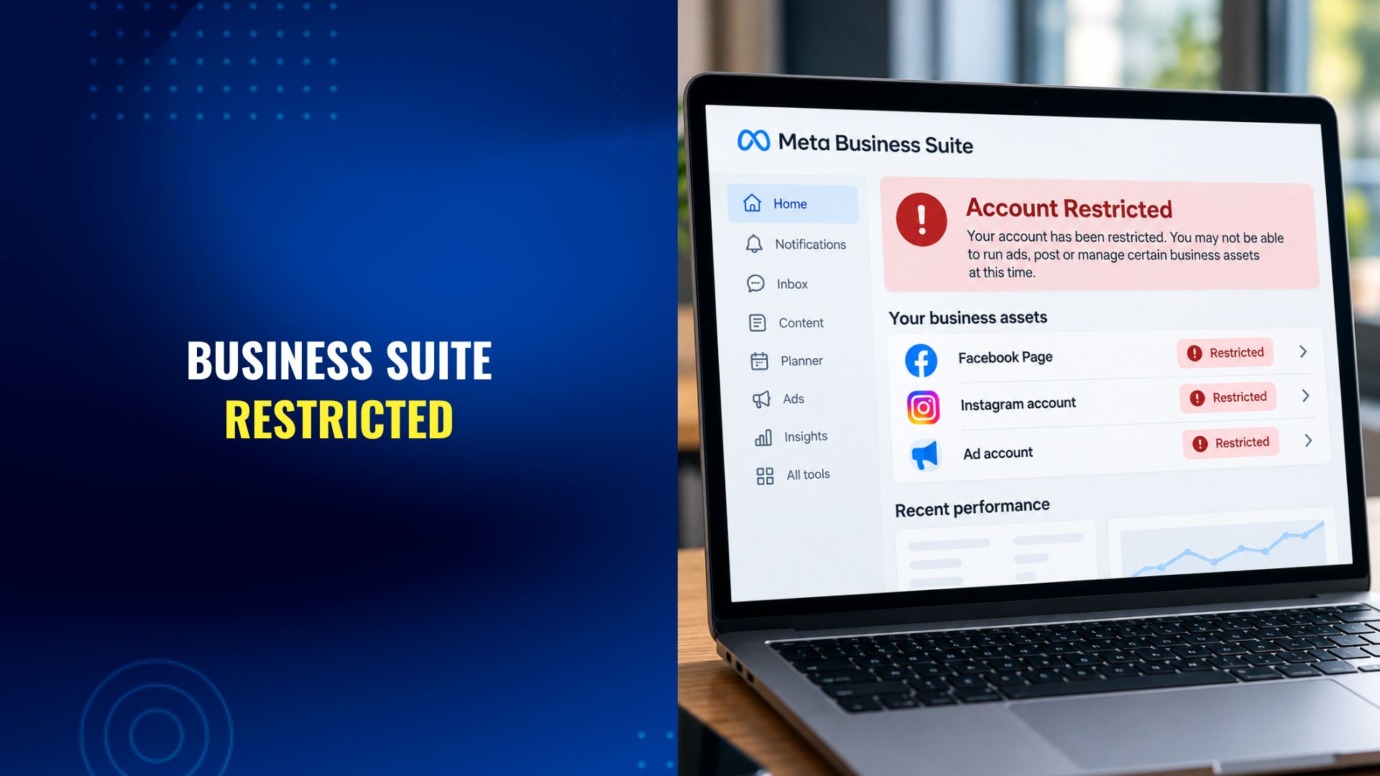
What if you open Meta Business Suite to schedule a post or check your ad performance, and instead you see a red banner: your account is restricted. Maybe you can’t run ads. Maybe you can’t post at all. Maybe the whole thing goes dark at once, dashboard, Facebook Page, Instagram profile, and ad account together.
Our team regularly helps business owners and content creators respond to Meta account restrictions, and the appeal process turns out to be more procedural than the initial panic suggests. This guide breaks down why Meta restricts Business Suite accounts, how you actually confirm what happened, and the steps that move an appeal forward instead of into a queue that never resolves.
What Does It Mean When Meta Restricts Your Business Suite Account?
Meta Business Suite is the single dashboard that ties together your Facebook Page, your linked Instagram professional account, your ad accounts, and often a Commerce catalog for a Shop. A “restriction” can hit any one of those pieces, or several at once, since they share the same underlying Business Portfolio.
A restriction is not the same as a permanent ban. It usually means Meta has paused a specific capability, running ads, posting, messaging customers, accessing the catalog, until you resolve whatever triggered the review. In many cases the underlying data, page likes, follower counts, past posts, and catalog listings stay intact while you appeal.
That said, restrictions can escalate. An ad account restriction that goes unaddressed can spread to the whole Business Portfolio. A Page-level issue can cut off the Instagram account linked to it. Treating an early restriction as a minor annoyance is usually the mistake that turns it into a bigger one.
Why Does Meta Restrict Business Suite Accounts?
Meta doesn’t publish an exhaustive list of every trigger, but a handful of categories account for most of what business owners and creators actually run into.
Advertising policy violations. Meta’s Advertising Standards prohibit specific categories of claims and tactics, including exaggerated health or earnings claims, misleading before-and-after content, and countdown timers or urgency tactics designed to pressure a purchase. A violation in one ad can restrict the whole linked ad account.
Commerce Policy issues. If you sell through a Facebook Shop or Instagram catalog, prohibited products, inaccurate listings, or a pattern of buyer complaints can trigger a Commerce-specific restriction separate from your general advertising status.
Community Standards strikes. Posts, comments, or Page content that Meta’s systems or reviewers flag as violating its Community Standards can lead to restrictions on the Page itself, independent of any advertising activity. Meta has described its overall enforcement approach on these issues as removing violating content, reducing the reach of borderline content, and adding context where something looks misleading, a framework that carries over to how Page-level strikes accumulate.
Identity or Business Verification requests. Meta increasingly asks businesses to confirm who they are, sometimes through Meta Verified, sometimes through a standalone Business Verification request tied to a specific restriction. An unanswered verification request is one of the more common reasons a Business Portfolio stays locked.
Suspicious account activity. Unusual login locations, a compromised admin’s personal Facebook account, or activity patterns that resemble automated abuse can trigger an automatic restriction on the business assets tied to that admin.
Patterns linked to a previous violation. Meta’s enforcement systems also watch for accounts that look like they exist to evade an earlier ban. A shared admin, a reused ad pixel, or a Page connected to a previously banned entity can pull an otherwise clean account into a restriction.
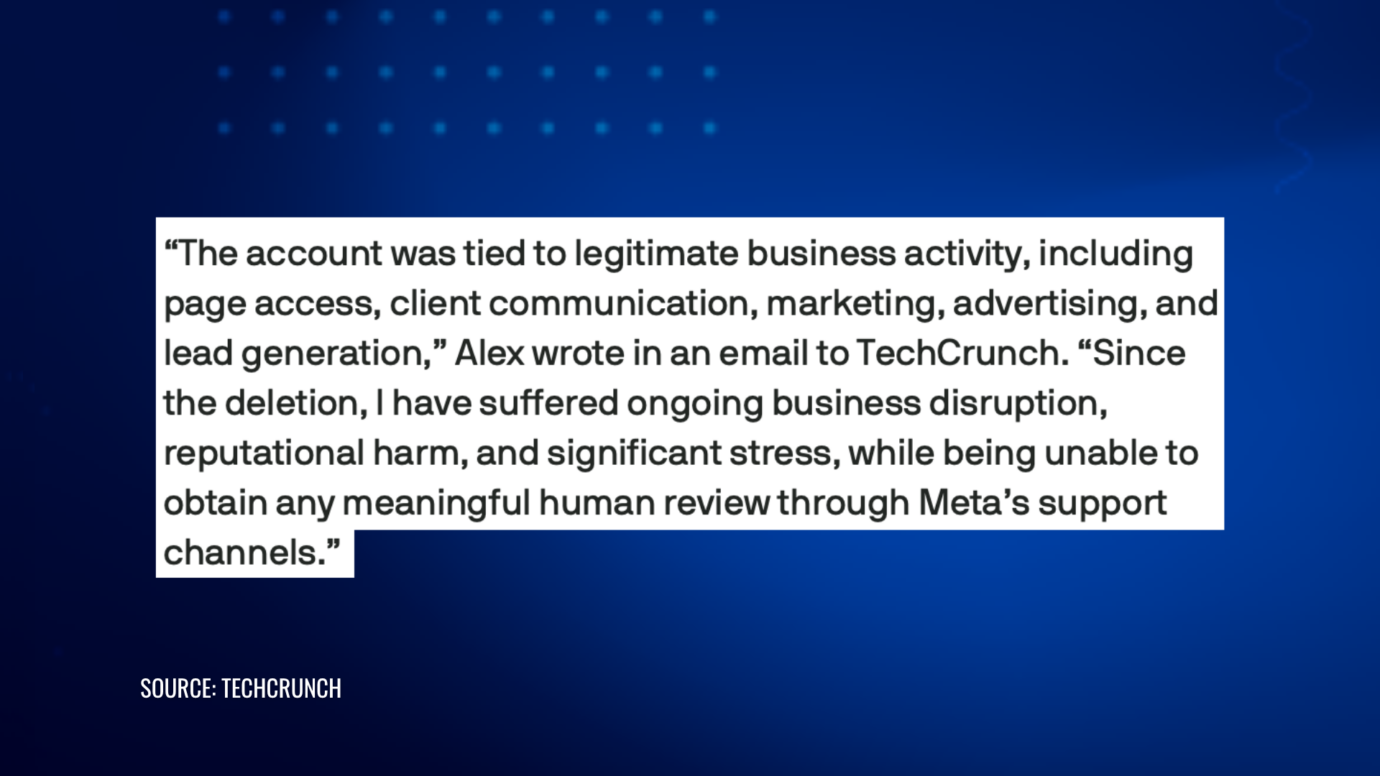
What’s at stake in these cases is rarely abstract. One business owner whose account was permanently disabled described the fallout to a reporter after Meta’s own Oversight Board found the company’s ban process lacking in due process and transparency:
How Do You Find Out Why Meta Restricted Your Account?
Before you appeal anything, confirm exactly what Meta flagged and which asset it affects. Guessing wastes the one or two review requests you typically get before an appeal queue slows down.
Start in Meta Business Suite and open Business Support Home, the feature that replaced the older Account Quality page. It lists every active restriction across your Pages, ad accounts, and Business Portfolio, along with the specific policy Meta cited and a “What You Can Do” panel with next steps for that particular issue.
Check whether the restriction sits at the Page level, the ad account level, or the Business Portfolio level. Each requires a different review request, and fixing one doesn’t automatically clear the others even when they’re related.
If Business Support Home shows no active restriction and something still looks broken, you may be looking at a technical outage or a setting change rather than an enforcement action, and a different kind of troubleshooting applies.
How to Appeal a Meta Business Suite Restriction, Step by Step
- Don’t create a new Business Portfolio to work around it. A fresh account starts with no ad history, no Page followers, and none of the trust signals Meta’s systems use to distinguish a legitimate business from one evading a ban. It also risks connecting to the same restricted assets and pulling the new one down too.
- Open Business Support Home and locate the exact restriction. Read the specific policy Meta names, not just the general “restricted” label.
- Complete any identity or payment verification Meta requests first. If the restriction panel asks for a government ID, a selfie match, or payment method confirmation, submit clear, unedited documents before doing anything else. Many Business Portfolio restrictions won’t move to a policy review until verification clears.
- Submit a review request with specific, factual language. State the policy Meta cited and explain directly why the content, ad, or account activity doesn’t violate it, or what corrective action you’ve already taken. A three or four sentence explanation that addresses the actual claim beats a general protest that the decision feels unfair.
- Secure the account while you wait. Turn on two-factor authentication, review the login activity and admin list for anything you don’t recognize, and remove access for any admin whose personal account may be compromised.
- Use the Meta Business Help Center for anything Business Support Home doesn’t resolve. Response times vary widely by case type and account size, and some verified or larger advertisers get access to live chat support that others don’t.
- Follow up without spamming the queue. Give each review request time to process before submitting another. Repeated duplicate requests for the same restriction typically slow resolution rather than speed it up.
Our Facebook Account & Content Reinstatement team handles this process directly for businesses that want the appeal drafted by someone who works with Meta’s review language regularly, rather than guessing at what a reviewer wants to see.
What If the Restriction Involves Advertising or a Commerce Catalog?
Ad account restrictions and Commerce Policy restrictions often need a more targeted appeal than a general Page issue.
For an ad account restriction, Meta’s review typically looks at your entire linked Business Portfolio, not just the single ad it flagged. If a past ad, a shared admin, or a connected Page had a prior violation, that history can keep a seemingly compliant ad account restricted. Your appeal should address that broader pattern where it applies, not only the ad in front of you.
For a Commerce or Shop catalog restriction, the review usually centers on specific product listings or a pattern of policy issues across the catalog. Correcting the flagged listings before you submit a review request, rather than after, tends to move the case faster.
If a competitor or a bad-faith filer is using a false trademark or copyright complaint to force one of these restrictions, that’s a different problem from a straightforward policy violation, and you usually need to address it at the source. Our IP enforcement team handles those underlying disputes so the platform restriction isn’t the only thing getting fixed.
Content creators running both a Facebook Page and an Instagram professional account through the same Business Suite dashboard face a related risk: a restriction on one platform can affect the other since they’re managed through the same Business Portfolio. Our Instagram Account & Content Reinstatement guide covers the parallel appeal process on that side.
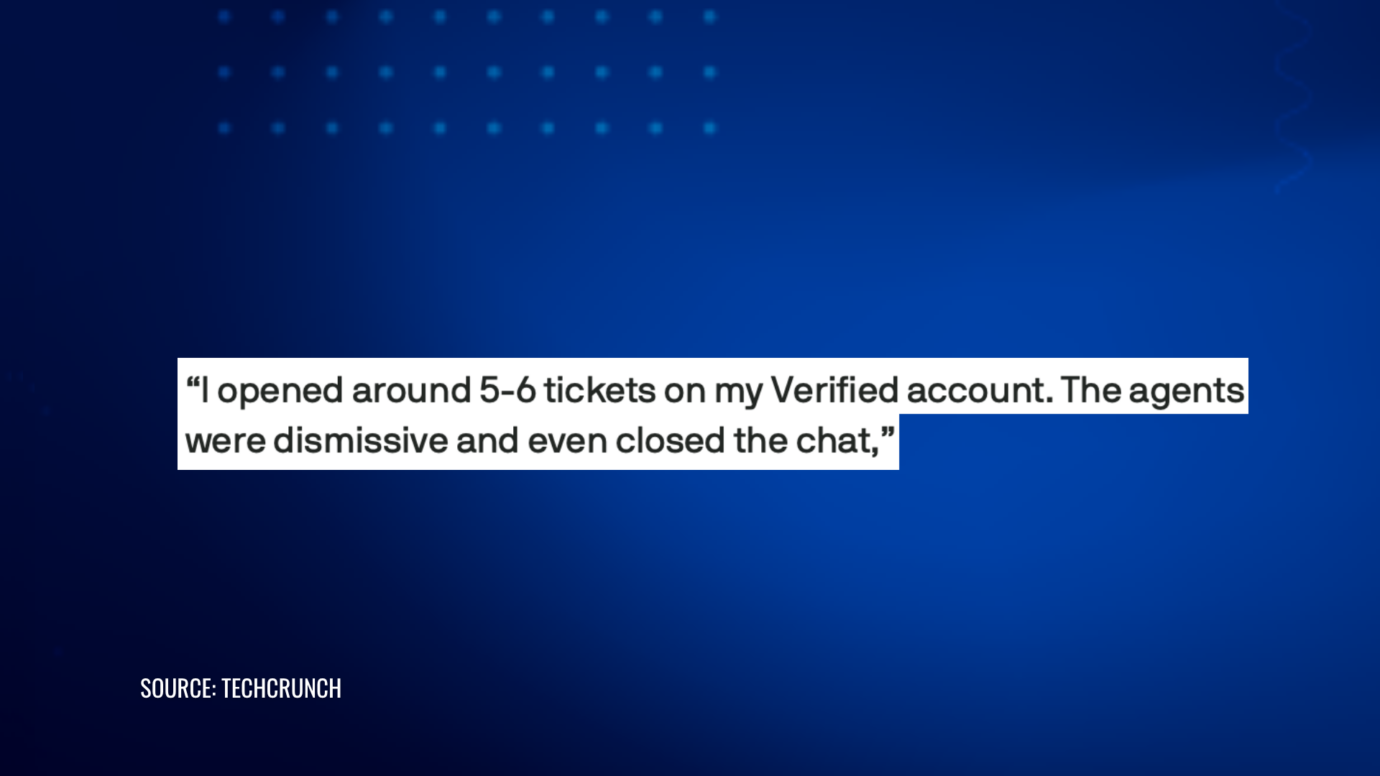
Meta has expanded verification options for businesses in recent years, including Meta Verified for Businesses, which the company describes as confirming that “your business is validated and authentic” and gives verified businesses “access to support and help troubleshooting account issues.” Meta’s paid Verified support, in general, has drawn mixed reviews from subscribers dealing with account bans, and the complaints aren’t limited to any one tier:
Verification is still worth completing since it establishes the identity and payment records reviewers ask for, but treat it as a head start on an appeal rather than a guarantee that a human will fast-track your case.
What Happens If Meta Denies Your Appeal?
A denied review isn’t necessarily the end of the process, but the options do narrow.
If you have new information you didn’t include the first time, such as documentation of a corrected listing or proof of trademark ownership, submit a fresh review built around that new evidence rather than repeating the same request.
Waiting too long to appeal can close the window on its own. Several restriction types carry a limited period for requesting a review before the option disappears entirely, so treat an unresolved restriction as time-sensitive rather than something to revisit later.
Unlike individual content decisions, business and advertising account restrictions generally fall outside the scope of Meta’s Oversight Board, which mainly reviews content moderation cases rather than ad account or Business Portfolio disputes. For most businesses, the internal review process through Business Support Home and the Meta Business Help Center remains the realistic path forward.
How to Protect Your Meta Business Suite Account From Future Restrictions
A Business Portfolio that Meta has already restricted once is worth a closer look, not just relief once it’s back.
- Assign more than one admin with full access, so a single compromised personal account can’t take down every business asset connected to it.
- Complete Meta Verified or Business Verification proactively rather than waiting for a restriction to force the issue.
- Turn on two-factor authentication for every admin, not just the primary account owner.
- Review your ad content and Commerce catalog against Meta’s Advertising Standards and Commerce Policies before launching, especially claims about results, health, or earnings.
- Check Business Support Home periodically instead of waiting for a banner to tell you something is wrong.
Get Help With a Restricted Meta Business Suite Account
A restricted Meta Business Suite account can feel like Meta has already decided against you, but the review process exists because these calls aren’t always right the first time. What actually moves a case forward is a specific response to the exact policy Meta cited, backed by the right documentation, not a general objection that the restriction feels unfair.
If Meta has restricted your Business Suite account, ad account, or Commerce catalog and you want help building an appeal that addresses Meta’s stated reason directly, contact our team about getting your account reviewed and your ads or Page back online.
PROTECT YOUR BRAND. GROW YOUR BUSINESS.
Rated 4.9 by 80+ clients on Google Reviews

Top 20
Trademark lawyer in the US*
Top 3
Service providers for Amazon sellers*
96%
Success rate for TM registrations
8000+
Clients Worldwide
Legal Disclaimer: The articles published on our platform are for informational purposes only and do not constitute legal advice in any form. They are not intended to be a substitute for professional legal counsel. For any legal matters, it is essential to consult with us or a qualified attorney who can provide advice tailored to your specific situation. Reliance on any information provided in these articles is solely at your own risk.
Frequently Asked Questions
How long does a Meta Business Suite appeal take?
There’s no fixed timeframe. Security-related restrictions that only need identity verification or two-factor authentication often clear faster than policy-based restrictions, which can take longer depending on case volume and account history.
Can I still access my account data during a restriction?
Often yes, at least for a period. Admins can typically still view Page content, ad history, and catalog data even while Meta pauses a specific capability like advertising or posting, though this varies by the type of restriction.
Will starting a new Business Portfolio work faster than appealing?
Usually not. A new Portfolio starts with no history to vouch for it, and Meta’s systems are built to flag new accounts that connect to previously restricted assets.
Does a restriction mean Meta will eventually ban my account?
Not necessarily. A restriction typically pauses a specific capability while you resolve a specific issue. Meta generally moves to permanent removal only when the underlying issue goes unaddressed or repeats.
What's the difference between an ad account restriction and a Business Portfolio restriction?
An ad account restriction limits advertising specifically. A Business Portfolio restriction can affect everything connected to it, including Pages, catalogs, and every linked ad account. Business Support Home shows both, but they usually require separate review requests.
Read the latest from Cabilly & Co.
 Oct 12, 2026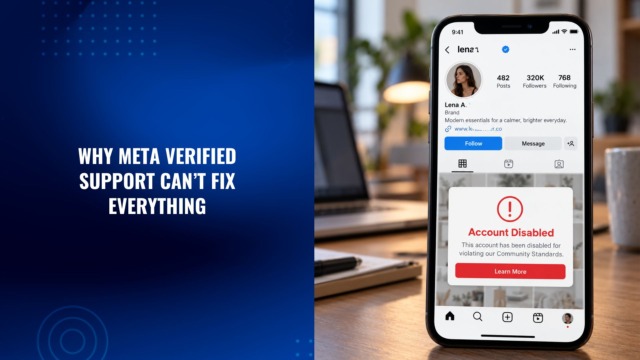

Amazon Brand Registry – Discover for Free if You’re Eligible
Increase Your Chance of Getting a
Trademark to 96%


STAY UPDATED
Subscribe to Our Newsletter
Sign up to receive valuable information on E-Commerce and intellectual property
Have a legal question?