Book a FREE 15-minute consultation with an expert – Book Now

Meta Verified Support for Business Owners and Creators: When It Helps and When It Doesn't
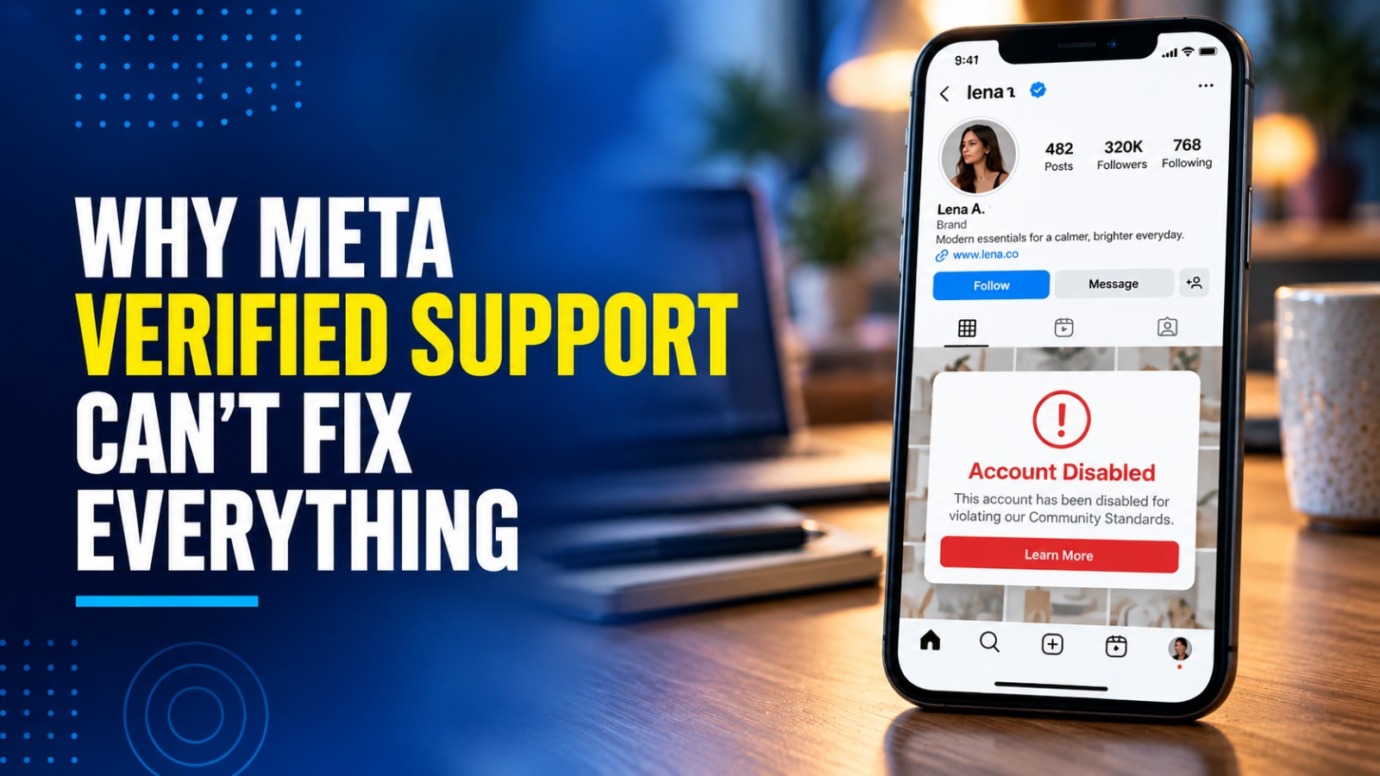
Meta sells Meta Verified on a simple promise: a verified badge, impersonation protection, and access to a real support team. If you run a business that finds customers on Facebook and Instagram, or you’re a creator whose income depends on your audience, that last feature often sounds like the most valuable one. When something breaks, you finally have someone to talk to.
In practice, that support solves some problems well and barely touches others. Our team works with business owners and content creators on Meta account restrictions, and we regularly hear from people who expected their subscription to resolve a ban on its own.
This guide explains what Meta Verified support covers, where it tends to help, where it usually falls short, and what to do when you need more than a support chat.
What Does Meta Verified Include for Businesses and Creators?
Meta offers two versions of the subscription. Creators and other individuals subscribe to the personal plan, and businesses subscribe to Meta Verified for business, which covers Facebook Pages and Instagram business accounts. Both plans include support, but Meta describes it a little differently in each.
When Meta launched the individual plan in February 2023, it promised “access to a real person for common account issues,” along with “proactive account monitoring for impersonators who might target people with growing online audiences,” according to its announcement, “Testing Meta Verified to Help Creators.”
When Meta extended the subscription to businesses in September 2023, it listed three core features:
- “A verified badge confirming your business is validated and authentic”
- “Proactive impersonation monitoring for added brand protection”
- “Access to support and help troubleshooting account issues”
Source: Meta, “Expanding Meta Verified to Businesses“
In May 2024, Meta split the business plan into four tiers: Standard, Plus, Premium, and Max. Engadget reported at the time that each higher tier adds faster support, and that the Max tier adds phone support and impersonation protection for up to five employees. Meta sets prices by country and has changed its plans since launch, so check current pricing in the app or in Meta Business Suite before you subscribe.
Both plans come with eligibility rules. The business plan requires a minimum account age and activity level, two-factor authentication, and confirmation of your business, and at launch, Meta required a government ID for the individual plan. Either way, you subscribe from inside an account you can still access. That makes Meta Verified something you set up before a problem, not after one.
When Does Meta Verified Support Actually Help?
Support tends to help most with account problems rather than policy decisions. Meta frames it around “common account issues” and “troubleshooting account issues,” and the situations below fit those descriptions most closely.
Login and access problems. When you or someone on your team can’t log in, loses a two-factor device, or can’t reach a Page you manage, an agent can walk you through recovery and check what’s blocking access. For a business with several people managing Pages, or a creator who works with an assistant or manager, this is often the most practical benefit.
Hacked or compromised accounts. When someone takes over your account, every hour counts. An attacker can message your followers with scam links, run ads on a saved payment method, or post content that triggers a policy strike against you. Reaching a human quickly won’t guarantee recovery, but it can shorten the time an attacker controls your account.
Impersonation. Scammers often go after accounts with loyal audiences. For creators, that can look like fake accounts sending “giveaway” messages or asking followers for money. For business owners, it can look like lookalike Pages pushing fake discount codes or collecting customer payments. Meta Verified includes proactive monitoring for impersonators, and support gives you a direct line to report the fakes that monitoring misses.
Figuring out what actually happened. Meta’s restriction notices can read as vague. An agent can often tell you what Meta restricted (a Page, an account feature, monetization tools, an ad account, or a personal profile), which policy area Meta cited, and which review path applies. That alone can save you days of filing requests in the wrong place.
Keeping a review request moving. In some cases, an agent can confirm that Meta received your review request or flag it for follow-up. That doesn’t change the standard reviewers apply, but it can keep a request from stalling.
PROTECT YOUR BRAND. GROW YOUR BUSINESS.
Rated 4.9 by 100+ clients on Google Reviews

Top 20
Trademark lawyer in the US*
Top 3
Service providers for Amazon sellers*
96%
Success rate for TM registrations
8000+
Clients Worldwide
When Doesn’t Meta Verified Support Help?
Reversing an enforcement decision. This is the largest gap. When Meta disables an account for a Community Standards or integrity violation, subscribers have widely reported that support agents could not reverse the decision.
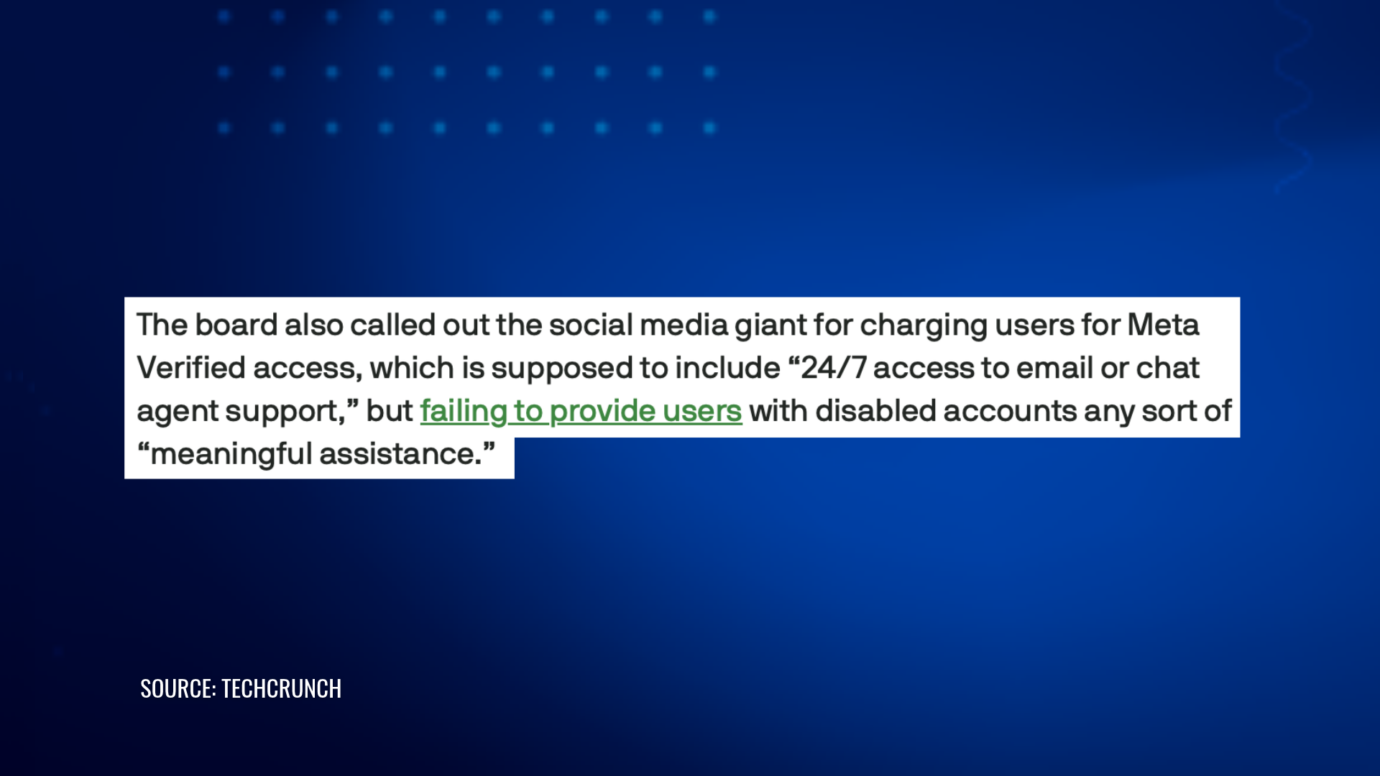
In July 2025, TechCrunch reported that Meta Verified subscribers facing a wave of account bans found paid support unhelpful. One subscriber, Manya Khurana, told TechCrunch: “I opened around 5-6 tickets on my Verified account. The agents were dismissive and even closed the chat.”
The pattern has continued. In April 2026, NBC 5 Dallas-Fort Worth reported on a Pennsylvania business owner who paid for Meta Verified on her Instagram account. When Meta banned her Facebook accounts, she said support couldn’t get them back and instead walked her through creating a new account. She regained access roughly three months after she first lost it. In June 2026, Meta’s Oversight Board published its first decision on account disabling and called for clearer violation notices and fairer appeals, according to TechCrunch’s coverage.
Preventing a suspension. A badge doesn’t exempt you from automated enforcement. Meta’s systems can flag and restrict a verified account the same way they flag any other account.
Recovering an account Meta already disabled. Subscription support works best while you can still log in. If Meta disables the account you subscribed through, or the personal profile of the admin who manages your business Page, you may lose easy access to that support channel and end up back in the standard appeal flow.
Settling copyright and trademark complaints. Creators run into this often, especially over music, clips, or reposted content. Business owners see it when a competitor reports their name or logo. An agent can explain the notice, but support doesn’t decide the underlying intellectual property dispute. That usually takes a targeted response: proof that you own the content or the trademark, a license, or a counter-notice where the law provides one.
Restoring monetization or ad access removed for policy reasons. Agents can explain why Meta rejected an ad, restricted an ad account, or paused monetization tools such as subscriptions or bonuses. When Meta removes those features for a policy reason, though, the review follows its own process. If your income depends on ads or monetization, plan for that possibility instead of counting on support to fix it.
Overturning a denied appeal. Once Meta upholds a decision, an agent generally can’t reopen it. New evidence and a well-built fresh submission tend to matter more than another chat.
Is Meta Verified Worth It for Business Owners and Creators?
The answer depends on how much of your income runs through Meta. The subscription tends to make sense if:
- Facebook or Instagram brings in a meaningful share of your customers, bookings, or brand deals
- Scammers already impersonate you or your business
- Several people manage your accounts, which raises the risk of access problems
- You want a human contact for routine login and account issues
It tends to matter less if:
- Meta has already disabled or restricted your account
- You’re dealing with a copyright or trademark dispute
- You expect the badge to protect you from enforcement
Think of Meta Verified as a faster support channel, not as insurance.
For more on what the blue check does after a suspension, see our earlier piece on whether the Meta blue check helps with Instagram suspensions.
How Do You Get the Most Out of Meta Verified Support?
- Subscribe before you need it. You sign up from inside an active account, so a subscription does little for an account Meta has already disabled.
- Protect your access. Turn on two-factor authentication for every admin, and give more than one trusted person full access to your business Page.
- Keep records. Save every case ID, chat transcript, and notice Meta sends you.
- Ask specific questions. Ask what Meta restricted, which policy it cited, and which review path applies.
- Prepare your documents early. Business registration, trademark registrations, licenses, and proof that you created your content can all strengthen a submission.
- Know when to change tactics. Once an agent confirms support can’t change the outcome, shift your effort to a documented appeal.
What Should You Do When Support Can’t Fix the Problem?
When chat stops producing answers, move to a structured appeal. Identify the exact policy Meta cited, respond to that policy directly, attach your evidence, and send one clean submission instead of repeated duplicates.
For a restricted Facebook Page or profile, our Facebook Account & Content Reinstatement team builds and manages that appeal. For Instagram, our Instagram Account & Content Reinstatement team handles the parallel process.
For account-level bans, Meta’s Oversight Board now reviews some account disabling cases. It accepts only a small number of cases and can take months, so most people shouldn’t treat it as a first step.
Get Help When Meta Verified Support Hits Its Limit
Meta Verified gives you a faster line to a human, and for access problems, hacks, and impersonation, that can make a real difference. It doesn’t give you a way around Meta’s enforcement decisions, and it doesn’t settle a copyright or trademark dispute.
If Meta has restricted your business Page, creator account, or monetization tools and your Verified support chats haven’t moved the case forward, contact our team about building an appeal that answers Meta’s stated reason directly.
Legal Disclaimer: The articles published on our platform are for informational purposes only and do not constitute legal advice in any form. They are not intended to be a substitute for professional legal counsel. For any legal matters, it is essential to consult with us or a qualified attorney who can provide advice tailored to your specific situation. Reliance on any information provided in these articles is solely at your own risk.
Frequently Asked Questions
Does Meta Verified stop Meta from suspending my account?
No. Verified accounts go through the same automated enforcement as any other account. The badge confirms your identity; it doesn’t exempt you from Meta’s policies.
Can Meta Verified support reverse a ban?
Generally not on its own. Agents can explain a restriction and help route a review request, but many subscribers report that support could not overturn a disabled account.
Can I subscribe to Meta Verified after Meta disables my account?
In most cases, no. You subscribe from inside an account you can log in to, so plan to subscribe while your account still works normally.
Should a creator choose the individual plan or the business plan?
It depends on how you run your presence. Creators who post under their own name usually fit the individual plan, while creators who operate as a brand with a Facebook Page or Instagram business account may fit the business plan. Compare current features and pricing in the app before you choose.
Does Meta Verified protect me from impersonators?
It adds proactive monitoring and a direct line to report fake accounts. It won’t catch every impersonator, so keep reporting fakes and warn your audience about how you actually contact people.
Read the latest from Cabilly & Co.
 Oct 19, 2026
Amazon Brand Registry – Discover for Free if You’re Eligible
Increase Your Chance of Getting a
Trademark to 96%


STAY UPDATED
Subscribe to Our Newsletter
Sign up to receive valuable information on E-Commerce and intellectual property
Have a legal question?