Book a FREE 15-minute consultation with an expert – Book Now

YouTube Manager Permissions Gone Wrong: Legal Risks of Granting Channel Access to Third Parties
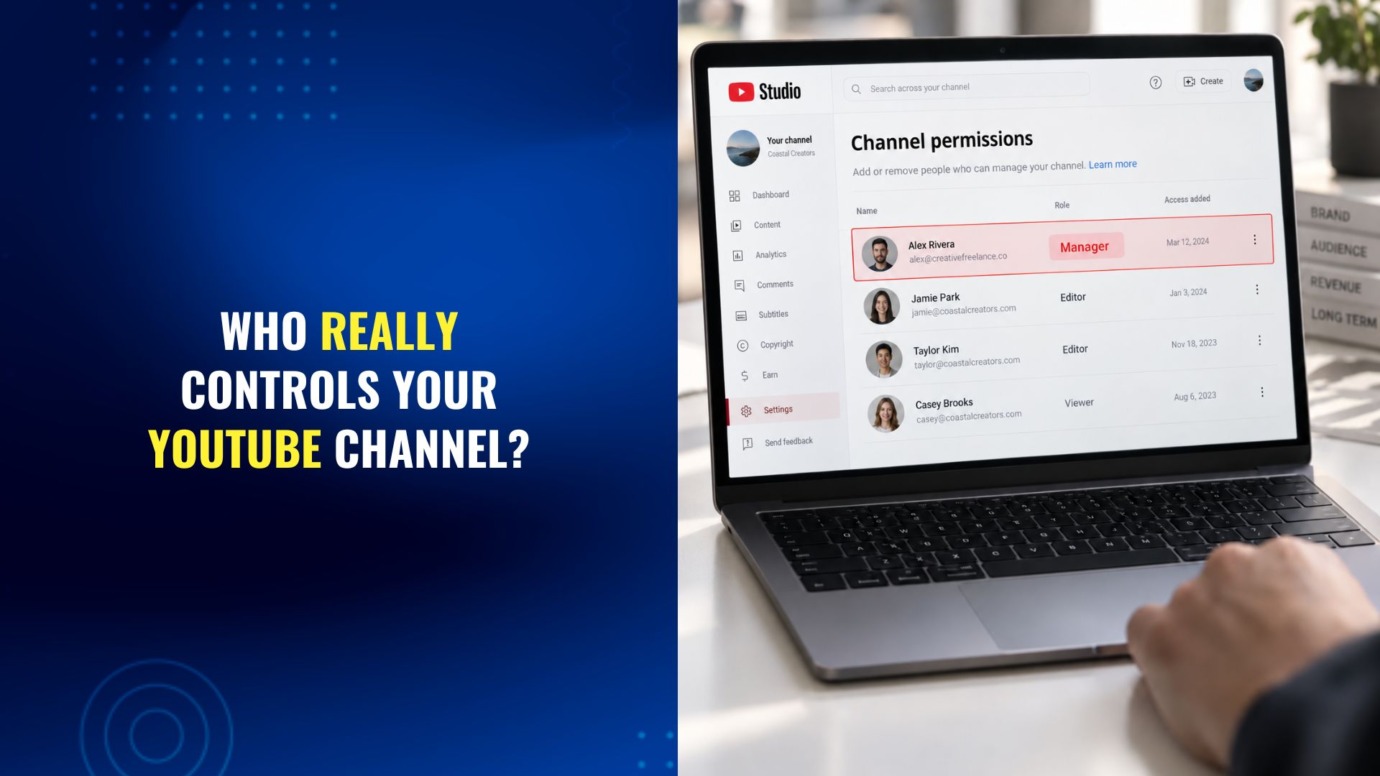
Giving someone access to your YouTube channel often feels routine. You hire an editor to upload videos, a virtual assistant to manage comments, or an agency to run campaigns, then grant them access and move on.
Most of the time, that works fine. But when a freelancer or agency relationship breaks down, that access can quickly become a serious risk.
In this article, we’ll explain what YouTube’s permission levels allow, the legal risks of misused access, and how to protect your channel from a bad hire or business dispute.
Why Do Business Owners and Content Creators Give Freelancers YouTube Channel Access?
Running a YouTube channel for a business or a personal brand is rarely a one-person job. Common reasons to bring in outside help include:
- Video editing and uploading, especially for businesses producing product demos, tutorials, reviews, or brand storytelling content that gets embedded on a website, used in marketing campaigns, or shared across other social channels.
- Thumbnail design and metadata optimization.
- Comment moderation and community management.
- Analytics reporting for marketing teams.
- Running or auditing YouTube ad campaigns.
Any of these tasks can require some level of channel access. The problem is that many business owners grant far more access than the task actually requires, often because they do not realize YouTube offers more than one option.
What Are YouTube’s Channel Permission Levels, and Which One Should You Use?
YouTube’s channel permissions system lets you assign specific roles instead of sharing a password or making someone a full Owner. According to YouTube’s own help documentation, the available roles are:
- Owner: Full control, including the ability to delete the channel. This should stay limited to the business itself, not a contractor.
- Manager: Broad access to manage videos, community, and channel settings, but cannot delete the channel (they can delete draft videos).
- Editor: Can upload, edit, and manage most content and settings, including revenue and analytics data by default.
- Editor (Limited): The same as Editor, except it excludes revenue data, chat revenue, and the viewer activity tab.
- Viewer and Viewer (Limited): Read-only access, with the “Limited” version also excluding revenue data.
- Subtitle Editor: A narrow role limited to managing captions.
Two details matter more than most business owners realize. First, this granular permission system only works on Brand Accounts, not personal Google-linked channels, so a channel still running under someone’s personal account cannot assign these roles properly. Second, if the Google account tied to the channel’s primary owner is deleted or compromised, the channel itself can be deleted along with it, regardless of how many managers or editors are attached to it.
For a freelance video editor, Editor (Limited) is usually enough. There is rarely a good reason to give an outside contractor Manager access, and almost never a reason to give them Owner access or your actual account password.
What Legal Risks Come With Giving a Freelancer Manager-Level Access?
Unauthorized Uploads That Trigger Strikes
A freelancer with upload access can post content using music, footage, or trademarks they did not clear, and the resulting copyright or trademark claim lands on your channel, not theirs. Enough claims can put the whole channel at risk. Our guide on what to do when a YouTube channel is suspended covers how those enforcement actions escalate and what an appeal actually needs to include.
Loss of Visibility Into Monetization
Because standard Editor and Manager roles can see revenue and analytics data by default, an outside contractor may know exactly how much your channel earns even if that was never the intent. In practice, the bigger danger is not the permission system itself, which is reasonably well designed when used correctly. It is businesses skipping it entirely: sharing the actual account password, or adding a freelancer as a second Owner without understanding what that grants, hands over the ability to change settings, remove the original owner’s access, or delete content outright.
Being Locked Out of Your Own Channel
If a freelancer is added at too high a permission level and the relationship ends badly, they may refuse to hand back access, change the account recovery information, or simply stop responding. Recovering a channel in that situation depends heavily on whether it was set up as a Brand Account with a documented primary owner, which is one more reason not to run a business channel off a personal account.
Confidential Information Exposure
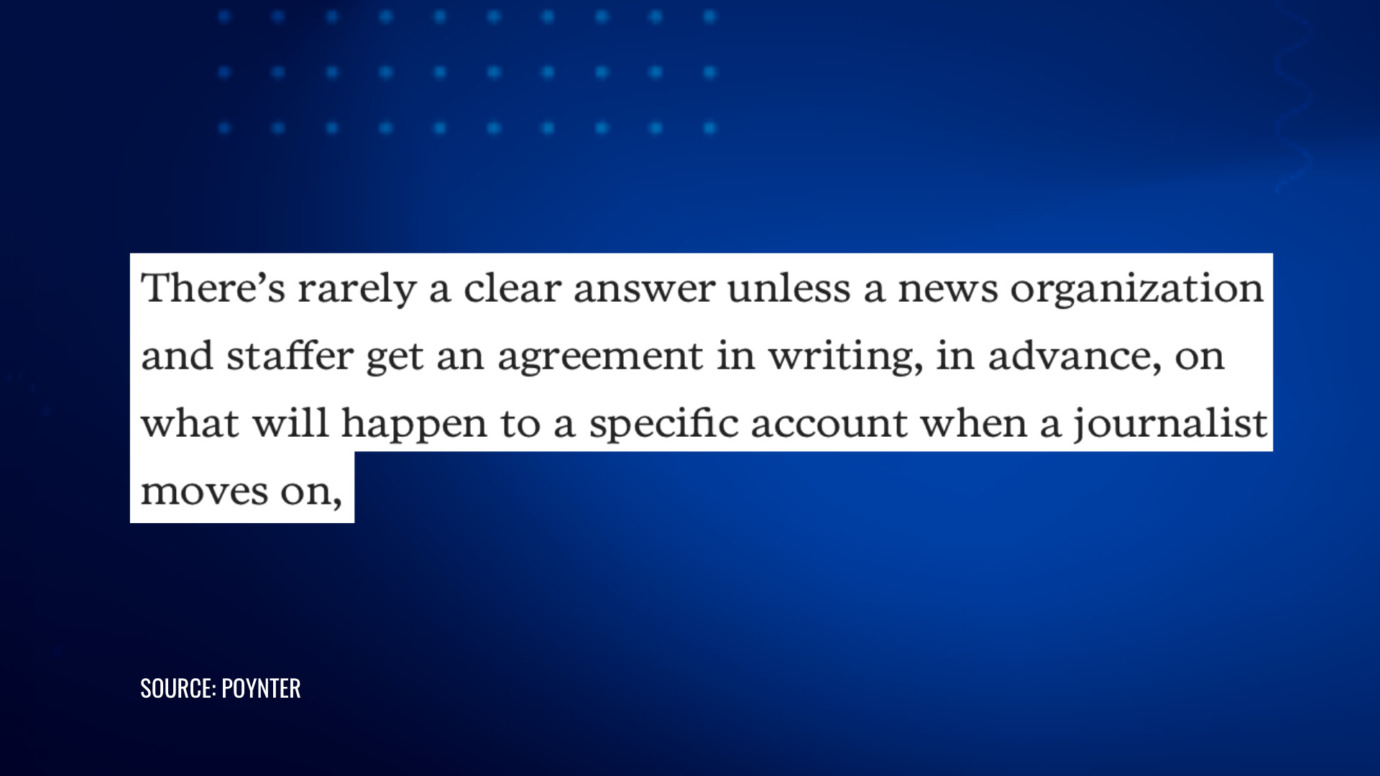
Manager and Editor access often comes bundled with visibility into unlisted or scheduled content, community posts, and sometimes linked advertising accounts. A freelancer who later works for a competitor, or simply talks loosely, can expose product launches or campaign strategy before you are ready to make them public.
Who Legally Owns Your YouTube Videos If a Freelancer Made Them?
This is the part most businesses get wrong, and it has nothing to do with channel permissions at all.
Under U.S. copyright law, the person who creates a work generally owns the copyright in it, even if someone else paid for it, unless it qualifies as a “work made for hire.” According to the U.S. Copyright Office’s Circular 30, a work created by an independent contractor only qualifies as work made for hire if all of the following are true: it falls into one of nine specific categories (a contribution to a motion picture or other audiovisual work is one of them), and there is a written agreement, signed by both parties, that expressly states the work is made for hire.
Miss any one of those elements and the freelancer, not the business that paid for the video, may hold the copyright by default. That matters if you ever want to repurpose the footage, license it, or stop a former contractor from reusing it elsewhere.
Ownership disputes over business social media accounts are not hypothetical. In PhoneDog v. Kravitz, No. 11-03474 (N.D. Cal. 2011), a company sued a former employee who kept control of a Twitter account with roughly 17,000 followers after he left, changed its handle, and continued using it at a competitor. The case settled confidentially in 2012, but it is widely credited with pushing businesses to add clear account and content ownership language to their contracts.
The same dynamic applies to a YouTube channel handed to a freelancer or agency: if nothing in writing says who owns the account, its content, and its audience, that question is left open at the worst possible time.
Can You Sue a Freelancer Who Misuses YouTube Channel Access?
Sometimes, but it is worth understanding the limits before assuming federal computer-crime law will bail you out.
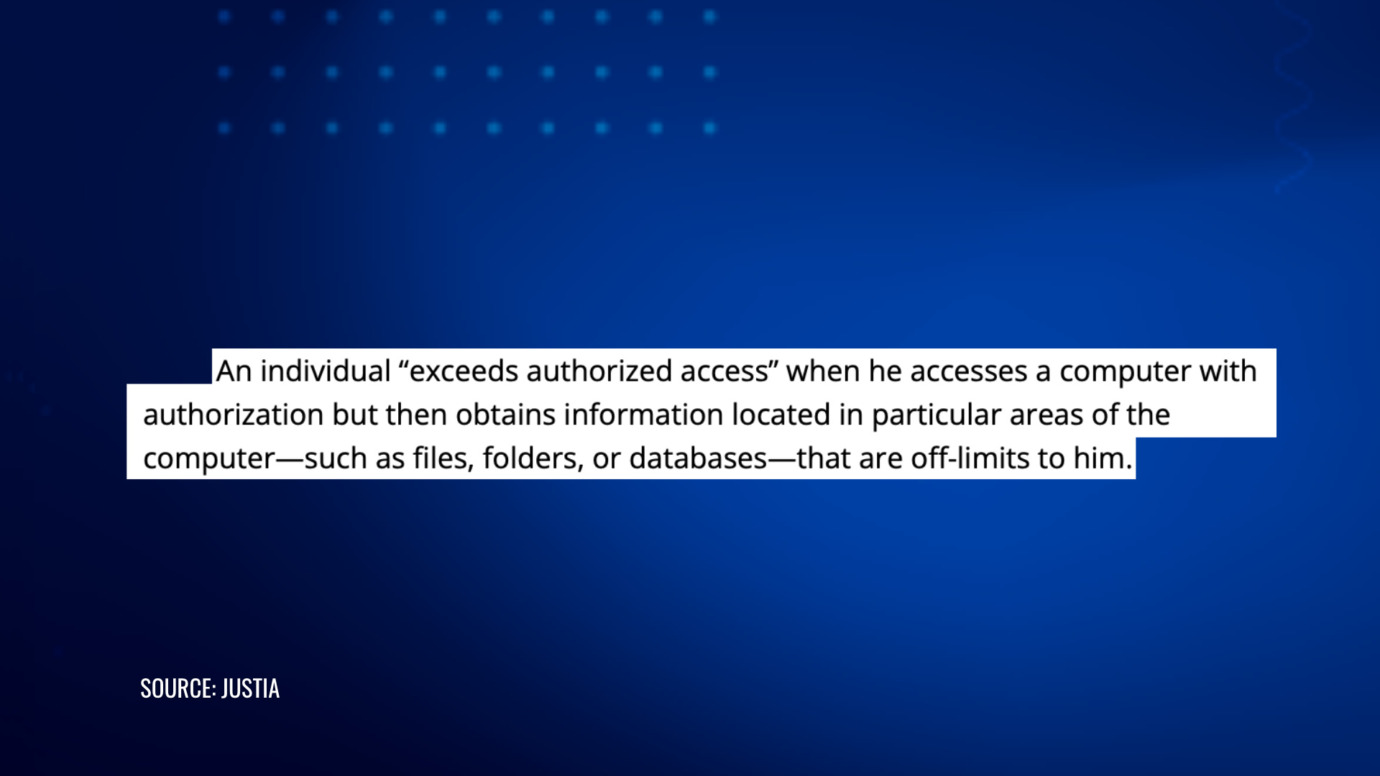
The Computer Fraud and Abuse Act (CFAA) makes it illegal to access a computer system without authorization or in excess of authorized access. It sounds like a natural fit for a freelancer who overreaches on channel permissions. In practice, the U.S. Supreme Court narrowed that language significantly in Van Buren v. United States, 593 U.S. 374 (2021), holding that a person only “exceeds authorized access” under the CFAA by reaching areas of a system they were never permitted to enter, not by misusing information or access they were legitimately given for an improper purpose.
Applied here, a freelancer who was properly granted Manager access and then misuses that access, for example by refusing to relinquish it, may not automatically fall under the CFAA, since they were authorized to be in the system in the first place. That does not mean there is no recourse. Breach of contract, conversion, misappropriation, and, where applicable, trademark or copyright claims are usually the stronger and more direct tools, which is exactly why the access agreement itself matters more than most business owners assume.
This analysis applies under U.S. law. Businesses operating internationally, or working with freelancers based outside the U.S., should confirm how a comparable jurisdiction’s computer misuse and contract law would apply before relying on this framework.
How Should You Set Up Freelancer Access the Right Way?
A few habits prevent most of the disputes described above before they start:
- Run the channel on a Brand Account, not a personal Google account, so channel permissions and multiple owners are actually available.
- Assign the lowest role that gets the job done. Editor (Limited) covers most freelance editing work without exposing revenue data.
- Never share the actual account password or recovery credentials. Use channel permissions instead, every time.
- Put a written agreement in place before granting access, covering who owns the content produced, confidentiality of unreleased material and analytics, and what happens to access on termination. Our commercial law and contract services team drafts these service agreements for business owners and content-focused brands regularly.
- Keep a second trusted person as a backup Owner on the Brand Account, so a single compromised or abandoned Google account cannot take the whole channel down with it.
- Turn on two-factor authentication on the primary account and review the channel’s permissions list on a regular schedule, removing access the moment a contractor’s work ends.
- Log who has access and when it changed. If a dispute happens later, being able to show exactly what access someone had, and when it was granted or revoked, matters.
What Should You Do If a Freelancer Already Misused Their Access?
Move quickly. Revoke or downgrade the freelancer’s permissions the moment a dispute arises, not after it escalates. If they were given the actual password rather than proper permissions, change it and review the account’s recovery email and phone number immediately, since those are often the first things an outside party changes to lock out the real owner.
PROTECT YOUR BRAND. GROW YOUR BUSINESS.
Rated 4.9 by 100+ clients on Google Reviews

Top 20
Trademark lawyer in the US*
Top 3
Service providers for Amazon sellers*
96%
Success rate for TM registrations
8000+
Clients Worldwide
If the channel has already been suspended, demonetized, or hit with a wrongful copyright or trademark claim as a result, document everything: the permission history, the communications with the freelancer, and the enforcement notice itself. Our team handles YouTube channel and content reinstatement matters directly, including cases where a third party’s access is part of what triggered the underlying problem.
This is not a hypothetical pattern. We have seen situations where a channel owner hires a contractor for routine management work, grants Manager-level access in good faith, and only later discovers the contractor was using undisclosed tactics to inflate watch time, such as repurposing trending livestream titles and descriptions from unrelated markets or running livestreams the owner never approved.
By the time the owner spots an unfamiliar upload, objects, and revokes access, the damage may already be done: YouTube treats the activity as a violation of its Spam, Deceptive Practices and Scams policy and terminates the channel, regardless of who actually pressed the buttons.
In cases like these, the owner’s own contemporaneous records, the objections raised before termination, the report filed against the contractor, and any written admission from the contractor about the method used, become central to arguing that the account holder neither authorized nor benefited from the conduct.
Standard in-platform appeals are also limited: once an appeal has been denied, a later submission is often closed without a fresh substantive review, which is frequently the point at which a formal, evidence-backed legal approach to the platform becomes the more realistic route.
Where the dispute involves genuine account theft, extortion, or a refusal to return access after termination, that is generally a matter for legal counsel rather than a platform support ticket, particularly if contract or trade secret claims are on the table.
Protect Your Channel Before You Hand Over the Keys
A YouTube channel is often one of the more valuable, and more fragile, assets a growing business or content creator has. Whether you are onboarding a new video editor, negotiating a services agreement with an outside agency, or already dealing with a contractor who will not return access, it is worth getting the paperwork and the permissions right before a dispute forces the issue.
If you need a services agreement that actually protects your channel, or you are facing a dispute over access, content ownership, or a wrongful enforcement action, contact our team to talk through your YouTube channel or content creator agreement.
Legal Disclaimer: The articles published on our platform are for informational purposes only and do not constitute legal advice in any form. They are not intended to be a substitute for professional legal counsel. For any legal matters, it is essential to consult with us or a qualified attorney who can provide advice tailored to your specific situation. Reliance on any information provided in these articles is solely at your own risk.
Frequently Asked Questions
What is the safest permission level to give a freelance YouTube editor?
Editor (Limited) is usually sufficient for uploading and editing videos without exposing revenue and analytics data. Manager and Owner access should be reserved for people inside the business.
Can a freelancer legally keep a YouTube channel they managed?
Not automatically, but disputes over who controls a business account do happen, as seen in cases like PhoneDog v. Kravitz. A written agreement specifying who owns the channel, its content, and its access is the clearest way to avoid this becoming a dispute at all.
Who owns the copyright in videos a freelancer edits or films for my channel?
By default, often the freelancer does, unless the work qualifies as “work made for hire” under U.S. copyright law, which generally requires a signed written agreement stating so, in addition to the work falling into one of a limited number of eligible categories.
Does giving someone channel permissions instead of your password protect you legally?
It significantly reduces practical risk, since permissions can be limited and revoked without changing your entire Google account. It does not replace a written agreement covering ownership, confidentiality, and what happens when the relationship ends.
Can I sue a freelancer under federal computer crime law for misusing channel access?
It depends. After Van Buren v. United States, federal computer-crime law applies more narrowly to access itself, not to misuse of access someone was legitimately given. Contract and IP claims are often the more reliable path.
Read the latest from Cabilly & Co.
 Oct 28, 2026
Amazon Brand Registry – Discover for Free if You’re Eligible
Increase Your Chance of Getting a
Trademark to 96%


STAY UPDATED
Subscribe to Our Newsletter
Sign up to receive valuable information on E-Commerce and intellectual property
Have a legal question?