Book a FREE 15-minute consultation with an expert – Book Now

Instagram Shadowban vs. Restriction vs. Suspension: How to Tell Which One You Have
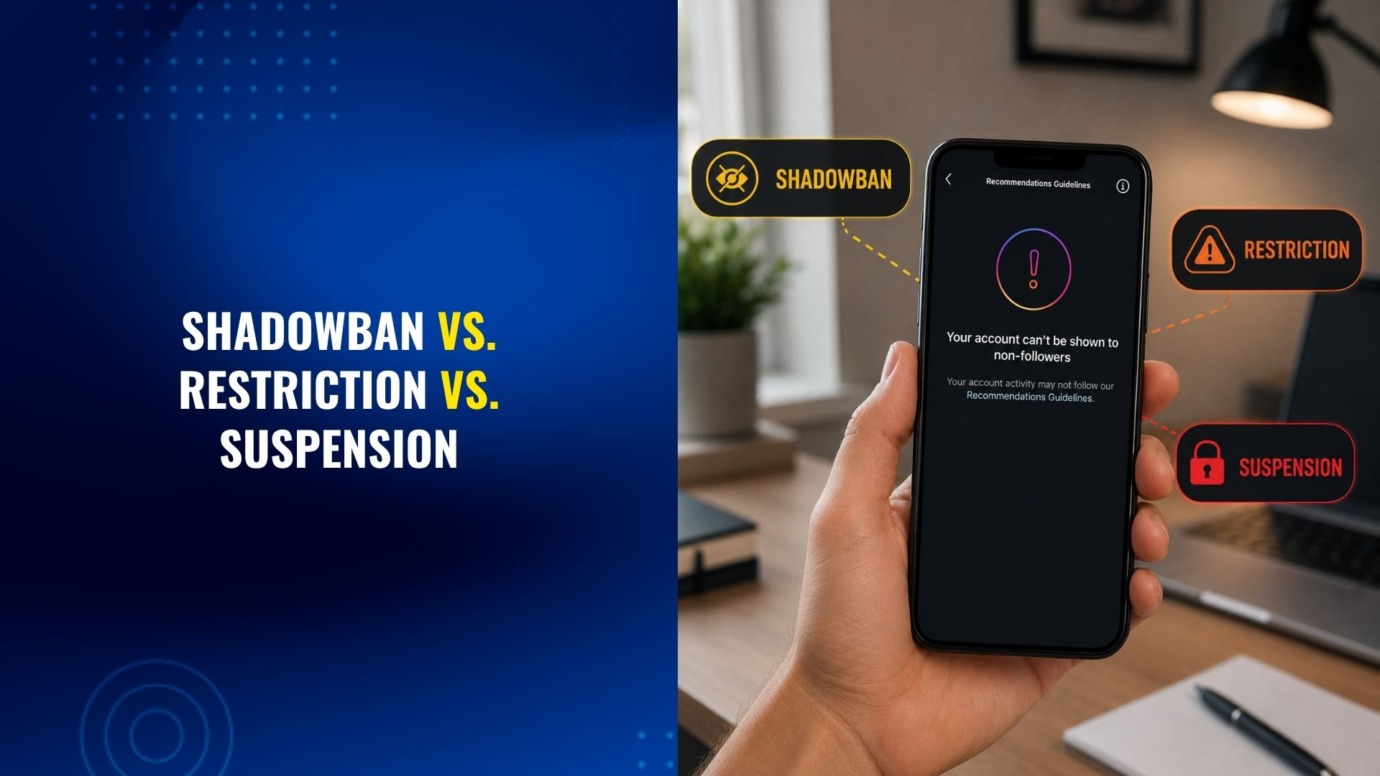
Something feels off with your Instagram account. Your posts aren’t reaching the people they used to, or a button you rely on has quietly disappeared, or you’ve been locked out entirely and greeted with a message you don’t fully understand. These are three different problems, and mixing them up wastes time you don’t have, especially if you’re running a business account.
In our experience helping creators and brands sort out locked or limited Instagram accounts, the single biggest reason people take the wrong first step is that they assume they’ve been “shadowbanned” when they’re actually looking at a strike-based restriction, or they assume a temporary restriction when the account has, in fact, been disabled. Each situation has a different cause, a different fix, and a different clock running on how fast you need to act.
In this article, you’ll learn how to tell which one you’re actually dealing with.
What Is an Instagram Shadowban?
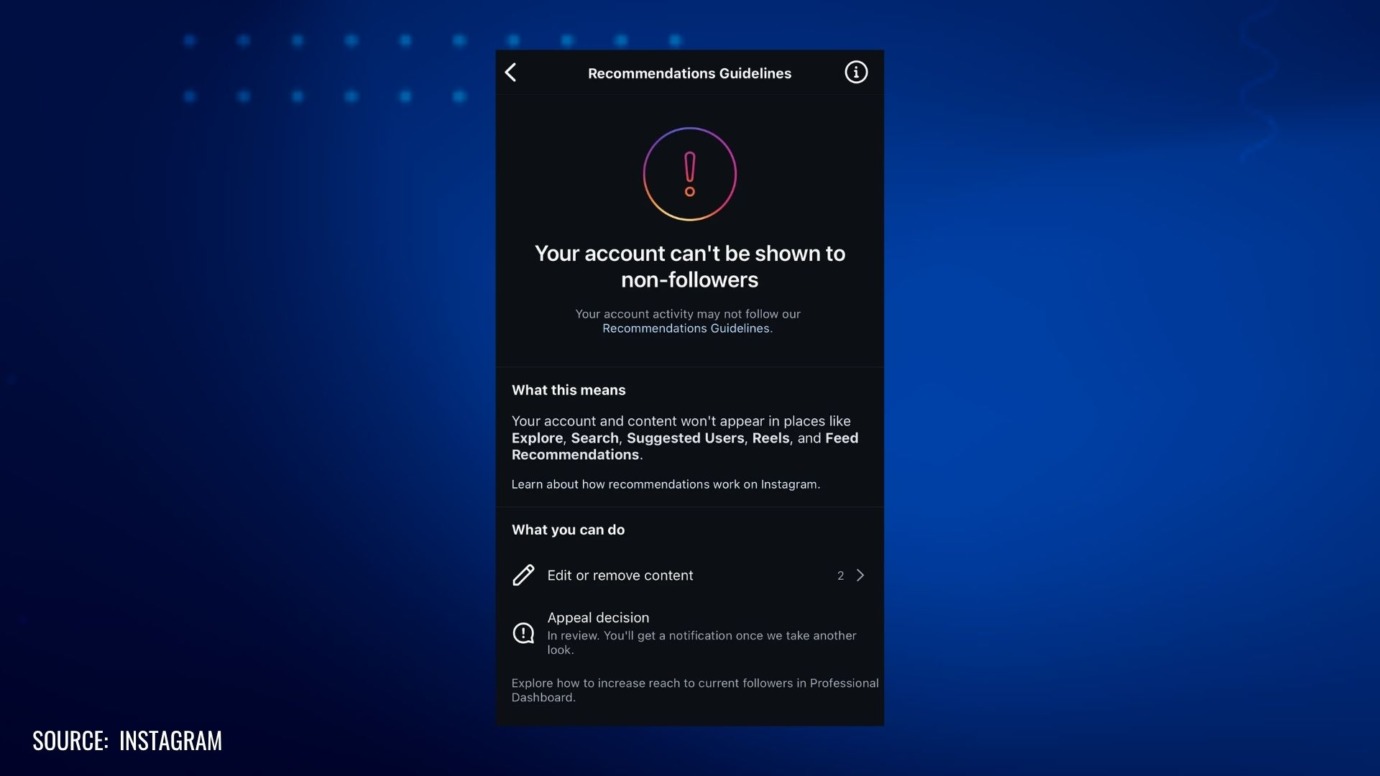
A shadowban, as most people use the term, means your content still posts normally but stops showing up to people who don’t already follow you. Hashtag searches stop surfacing your posts, the Explore page stops recommending you, and your reach quietly drops even though nothing seems technically broken.
Instagram’s own leadership has pushed back on the term itself, describing the platform’s ranking and enforcement systems as more complex than a single secret “shadowban” switch. What Instagram does confirm is something adjacent: content and accounts can lose eligibility to be recommended to non-followers if they brush up against Community Guidelines, use flagged hashtags, rely on unofficial third-party apps, or trigger spam-detection systems. Functionally, that recommendation downgrade produces the exact symptoms people describe as a shadowban, even if Instagram avoids the word.
The practical marker of a shadowban is this: your own followers still see your posts, direct engagement still works, and you can still use every feature normally. Only your reach to non-followers has quietly dropped.
What Does an Instagram Restriction Actually Do?
A restriction is a specific, named limitation on what your account can do, and it’s usually visible. You might see a message when you try to like, comment, follow, or post, telling you that action isn’t available right now. As of this writing, Meta’s own enforcement pages describe a strike system: most first-time violations result in a warning with no further consequence, but repeated violations escalate into short, defined bans on posting, typically starting around a single day and lengthening with each additional strike, up to a 30-day restriction on creating content for accounts with a high strike count. Meta updates these thresholds periodically, so treat the linked source, not this article, as the current word on exact numbers.
Some restrictions aren’t strike-related at all. Instagram also limits accounts that show automation-like behavior (following and unfollowing too fast, for example), accounts under identity verification review, and accounts that have been the subject of a copyright or trademark report. We’ve covered how Instagram’s repeat infringer policy actually works in more detail, since the “three strikes” rule many sellers assume exists isn’t quite accurate.
The practical marker of a restriction: you can still log in, your profile and past posts are still visible, and the limitation is usually tied to one specific action rather than the whole account.
What Does It Mean When Instagram Suspends or Disables Your Account?
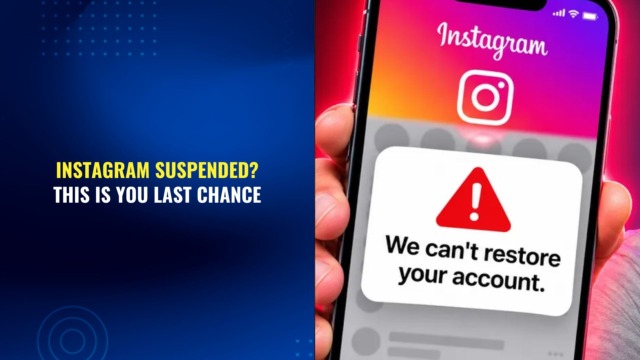
A suspension, which Instagram typically labels as a disabled account, is the most severe of the three. You’re logged out and can’t get back in. Instead of your feed, you see a message stating your account has been disabled, sometimes with a stated reason (impersonation, underage use, repeated policy violations, a serious IP complaint) and sometimes with none at all.
This is where the clock matters most. Disabled accounts are usually offered a review request, and if that window closes or the appeal is denied, the account and its content can eventually be deleted rather than just hidden. We’ve written separately about what to do when a first appeal comes back denied, since a denial is an internal enforcement decision, not a final legal word on the matter, and there are usually further steps worth trying before writing the account off.
The practical marker of a suspension: you cannot access the account at all, not even to view it, and you’re looking at Instagram’s own enforcement or appeal screen rather than your normal login.
How Do You Check Which One You’re Dealing With?
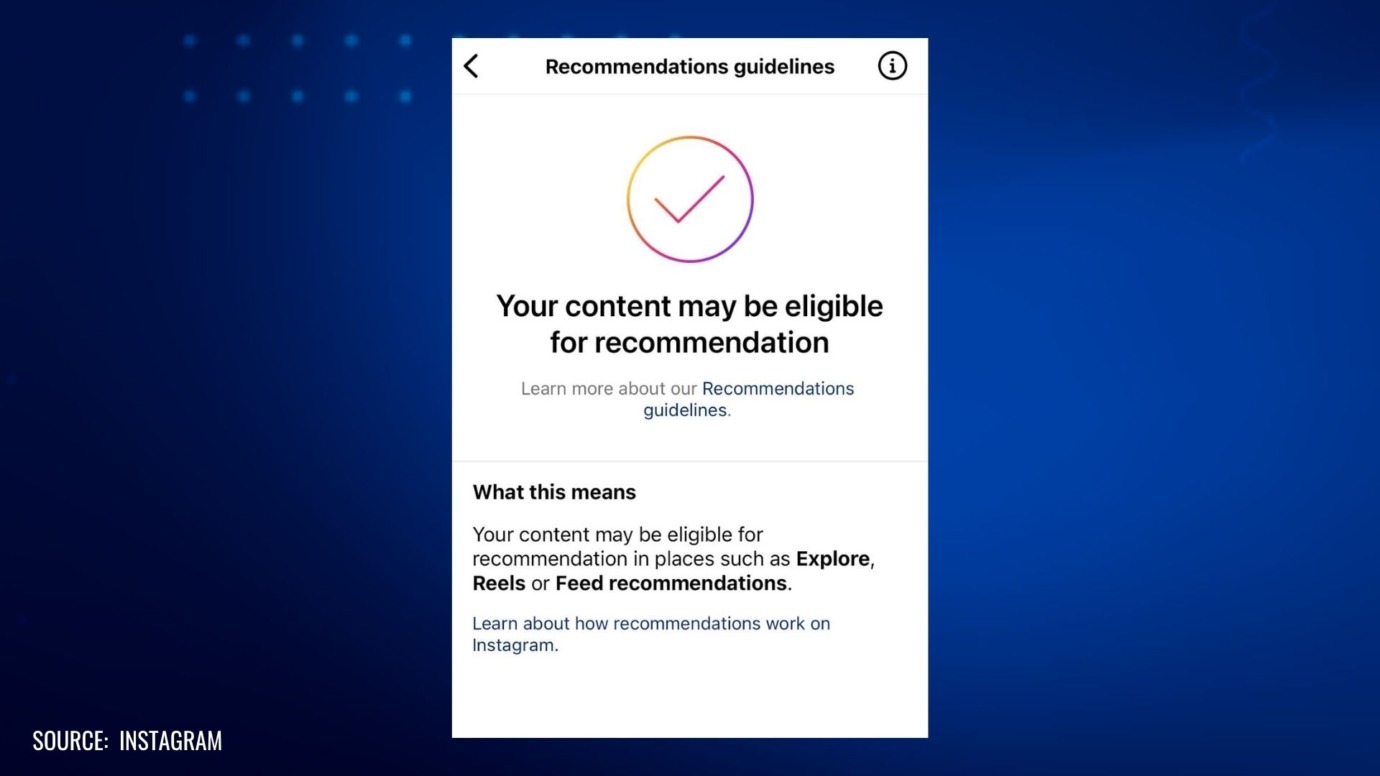
Instagram gives account holders a built-in diagnostic tool for this called Account Status, found under Settings, then Account, then Account Status. According to Instagram’s own description of the feature, it’s meant to be a single place to see whether your content is currently eligible to be recommended to non-followers, whether any posts or account components may be flagging as a Community Guidelines issue, and whether any feature-level restrictions are currently active.
If Account Status shows reduced recommendation eligibility but everything else still works, you’re most likely dealing with a shadowban-type reach drop. If it shows a specific feature limitation or a strike, you’re dealing with a restriction. If you can’t get into your account to check Account Status at all, you’re dealing with a suspension, and the relevant screen will be Instagram’s login-blocked or disabled-account message instead.
What Usually Causes Each of These?
The three problems often share root causes, which is part of why people confuse them. A few of the most common triggers we see, particularly among sellers and brand accounts:
- Automation tools, third-party growth apps, or unusually fast follow and unfollow activity
- Hashtags or captions that brush against restricted or sensitive content categories
- A copyright or intellectual property report filed against a post, whether legitimate or not
- Mass reporting by competitors or bad actors, which carries more weight than it used to now that Meta relies more on user reports than automated scanning for lower-severity violations, and can trigger review even when the underlying content is fine
- Failed or incomplete identity verification on a business account
- A pattern of smaller violations that eventually escalates through Meta’s strike system
Reach drops (shadowban symptoms) tend to come from content and hashtag signals. Restrictions tend to come from strikes or automation flags. Suspensions tend to come from either a severe single violation or an accumulation of unresolved smaller ones.
What Should You Do Next, Depending on Which One You Have
If It’s a Reach Drop
Stop using any third-party engagement or growth tools, avoid flagged or overused hashtags for a stretch, and check Account Status regularly rather than guessing. Instagram doesn’t publish a recovery timeline for reduced recommendation eligibility, so treat this as an ongoing check rather than something with a fixed end date.
If It’s a Restriction
Read the specific message Instagram gave you, since it usually names the action that’s blocked and sometimes the reason. Let any timed restriction run its course rather than creating a new account or repeating the flagged behavior, which tends to escalate things further under the strike system.
If It’s a Suspension
Move quickly. Submit the in-app appeal, keep any documentation that supports your case (proof of identity, evidence a copyright or trademark claim was invalid, screenshots of the account before it was disabled), and treat a denied first appeal as a checkpoint rather than the end of the road. For business accounts where real revenue or a paid ad presence is on the line, or where the appeal has already been denied once, this is usually the point where getting a second, more strategic set of eyes on the case can help.
Get Help With a Locked, Restricted, or Disabled Instagram Account
Sorting out which of these three situations you’re in is the first step. Fixing it is the harder part, particularly for suspended business accounts where the standard in-app appeal has already failed once. If your Instagram account is restricted, suspended, or permanently disabled and you need a clear next step. Contact us today to find out how we can help you restore your Instagram account.
PROTECT YOUR BRAND. GROW YOUR BUSINESS.
Rated 4.9 by 80+ clients on Google Reviews

Top 20
Trademark lawyer in the US*
Top 3
Service providers for Amazon sellers*
96%
Success rate for TM registrations
8000+
Clients Worldwide
Legal Disclaimer: The articles published on our platform are for informational purposes only and do not constitute legal advice in any form. They are not intended to be a substitute for professional legal counsel. For any legal matters, it is essential to consult with us or a qualified attorney who can provide advice tailored to your specific situation. Reliance on any information provided in these articles is solely at your own risk.
Frequently Asked Questions
Is an Instagram shadowban the same thing as a restriction?
No. A shadowban lowers your reach to non-followers, while every feature still works normally: you can still post, comment, and message as usual. A restriction blocks one specific action, such as posting, commenting, or following, and Instagram typically shows you a message naming what it blocked.
How do you know if Instagram shadowbanned your account?
You check whether your own followers still see your posts while your reach to non-followers has quietly dropped, and whether hashtags stop surfacing your content to people who don’t follow you. If every feature still works and only your reach changes, you’re most likely looking at a shadowban-type reach drop rather than a restriction or suspension.
How long does an Instagram restriction last?
The length depends on your strike count. As of this writing, Meta’s own enforcement pages describe restrictions escalating from a warning on a first violation up to a 30-day ban on creating content for accounts with a high strike count, though Meta updates these thresholds periodically, so treat Meta’s Transparency Center as the current source rather than any fixed number.
Can you recover a suspended or disabled Instagram account?
It depends on why Instagram suspended the account, but recovery is possible in many cases, particularly if you act before the review window closes. Instagram usually offers a review request before it deletes a disabled account and its content, and a denied first appeal represents an internal enforcement decision rather than a final outcome, so further escalation steps are frequently still available.
Does Instagram tell you why it restricted or disabled your account?
Sometimes. Instagram sometimes states a specific reason, such as impersonation, underage use, or a policy violation, and sometimes gives no reason at all. This is exactly why checking Account Status matters: it often surfaces details that the enforcement message itself leaves out.
What is Instagram's Account Status feature, and how do you use it?
Account Status is a built-in diagnostic tool you find under Settings, then Account, then Account Status. It shows whether your content currently qualifies for recommendation to non-followers, whether any posts or profile components may violate Community Guidelines, and whether any feature-level restrictions are currently active on your account.
Read the latest from Cabilly & Co.
 Oct 12, 2026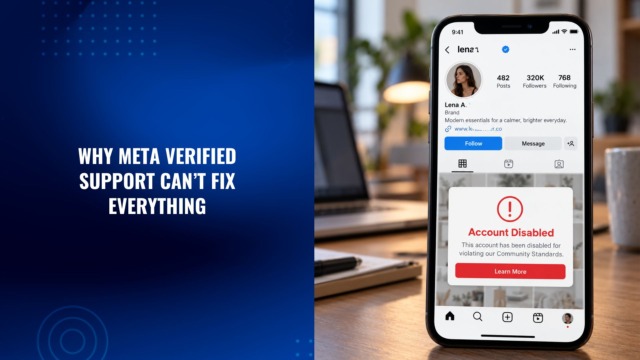
Amazon Brand Registry – Discover for Free if You’re Eligible
Increase Your Chance of Getting a
Trademark to 96%


STAY UPDATED
Subscribe to Our Newsletter
Sign up to receive valuable information on E-Commerce and intellectual property
Have a legal question?